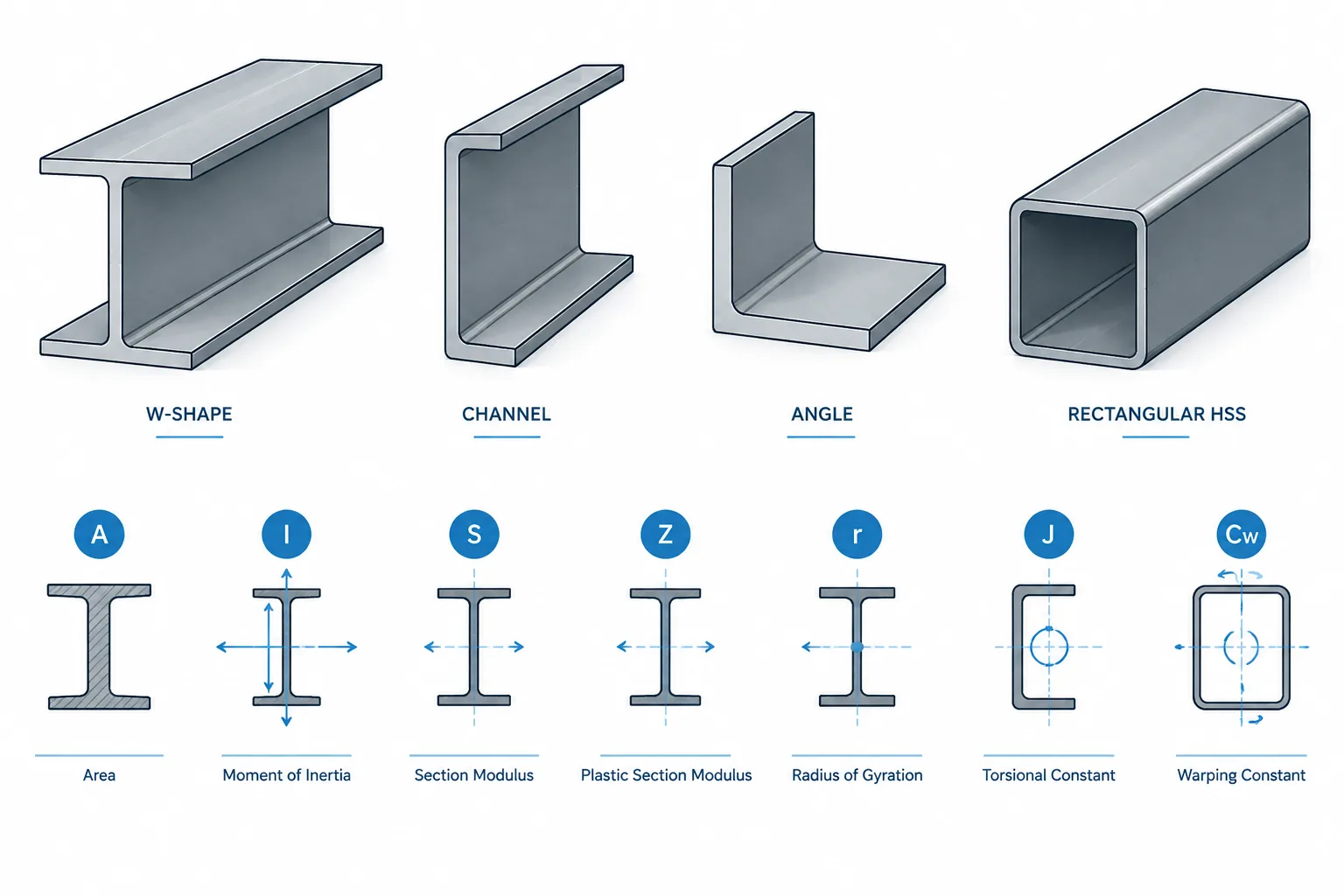
Structural steel shape tables place many different properties side by side, but those values do not all use the same type of unit. Area is expressed in squared length units, moment of inertia in fourth-power units, and warping constant in sixth-power units. Confusing these dimensional powers can produce major errors when data moves between imperial tables, metric calculations, CAD geometry, spreadsheets, and structural analysis software.
A reliable workflow starts by identifying what each property represents. The symbol alone is not enough: the axis, source unit system, table convention, and software field definition also matter. This guide explains the dimensional units behind common steel section properties and provides practical checks for transferring them correctly.
Why section-property units use different powers of length
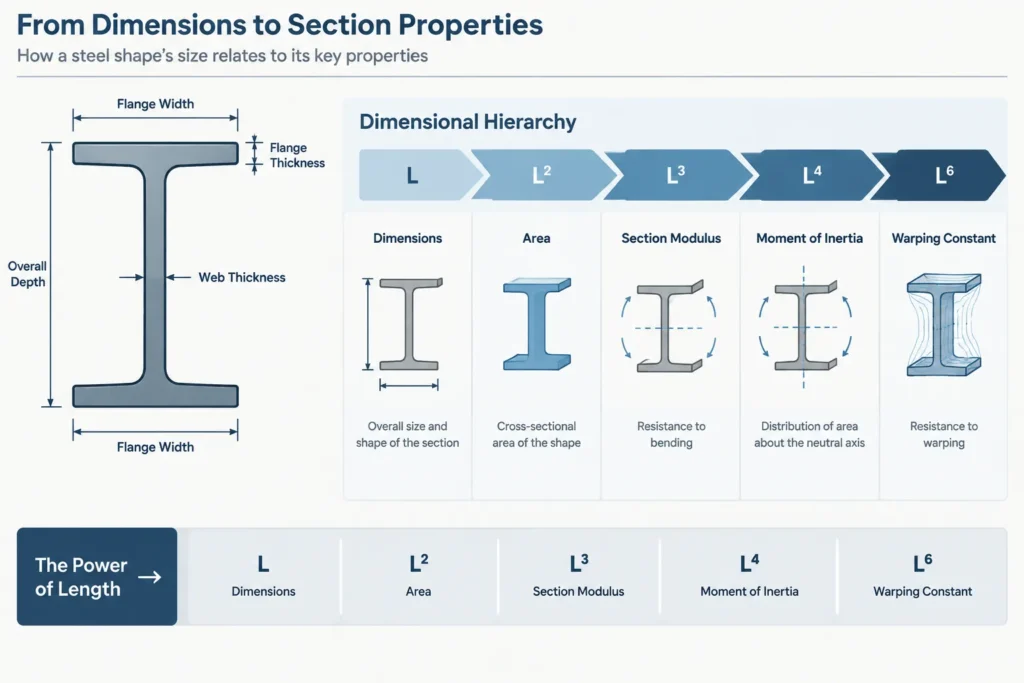
A geometric section property is derived from lengths, areas, or the distribution of area around an axis. Its unit reflects the mathematical operation used to calculate it. If the basic length unit is represented by L, common properties can be classified as L, L², L³, L⁴, or L⁶.
This dimensional classification is especially useful during unit conversion. When every coordinate of a cross-section is multiplied by a length conversion factor k, a property with dimensions Lⁿ must be multiplied by k raised to the same power. A fourth-power property therefore cannot be converted with the same multiplier used for an ordinary dimension.
| Property | Common symbol | Dimensional form | Typical unit style |
|---|---|---|---|
| Length or coordinate | d, b, x̄, ȳ | L | in. or mm |
| Cross-sectional area | A | L² | in.² or mm² |
| First moment of area | Q | L³ | in.³ or mm³ |
| Elastic section modulus | S | L³ | in.³ or mm³ |
| Plastic section modulus | Z | L³ | in.³ or mm³ |
| Area moment of inertia | I | L⁴ | in.⁴ or mm⁴ |
| Product of inertia | Ixy | L⁴ | in.⁴ or mm⁴ |
| Torsional constant | J | L⁴ | in.⁴ or mm⁴ |
| Radius of gyration | r | L | in. or mm |
| Warping constant | Cw | L⁶ | in.⁶ or mm⁶ |
Area A: a squared-length property
The gross cross-sectional area represents the amount of material in a cut perpendicular to the member axis. Because area is calculated from two length dimensions, its dimensional form is L². If a section profile is uniformly scaled by k, its area changes by k².
Area is often used with material density to determine mass per unit length or with unit weight to estimate weight per unit length. Those operations introduce mass or force units, so the resulting value is not another purely geometric section property.
I and Ixy: fourth-power properties
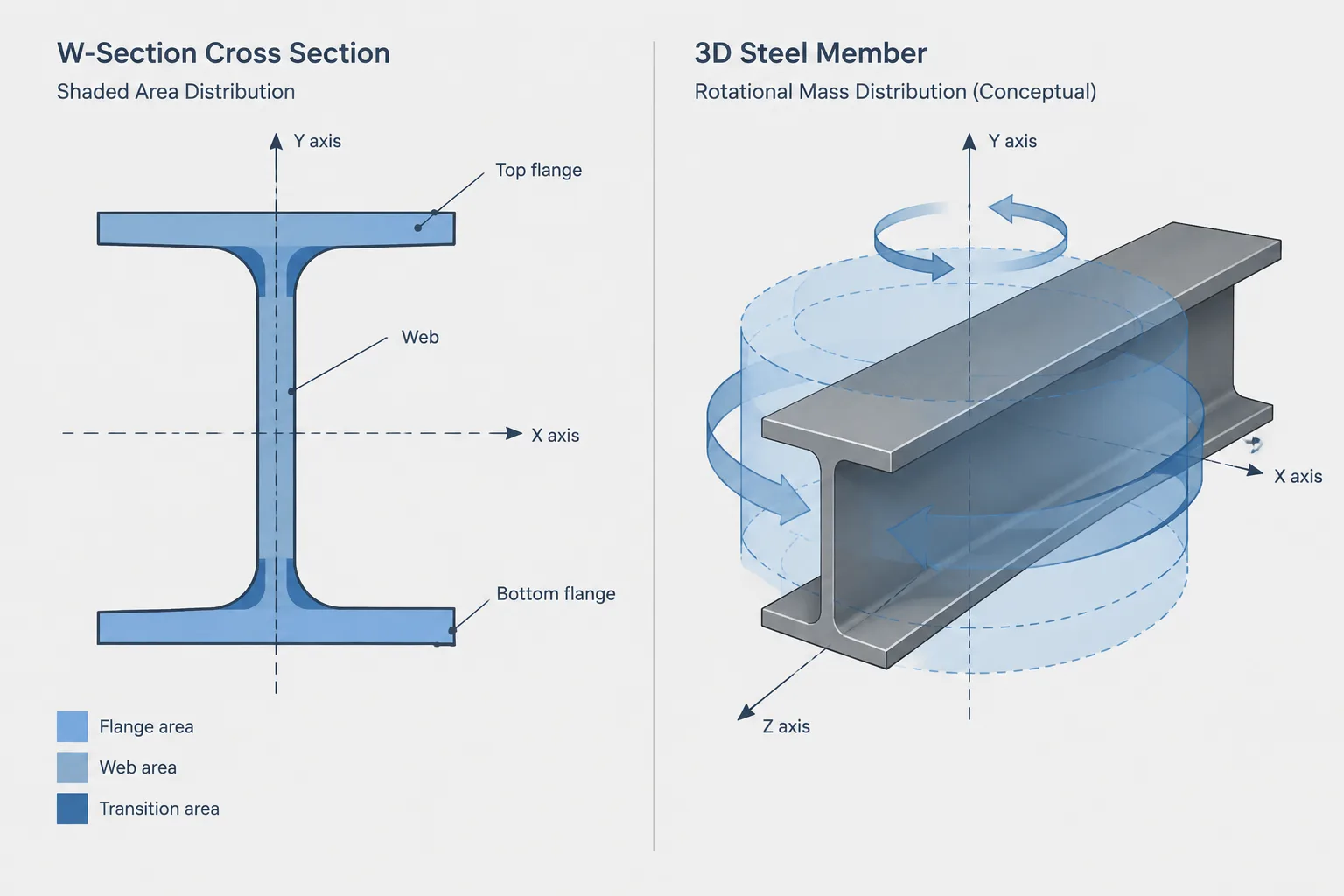
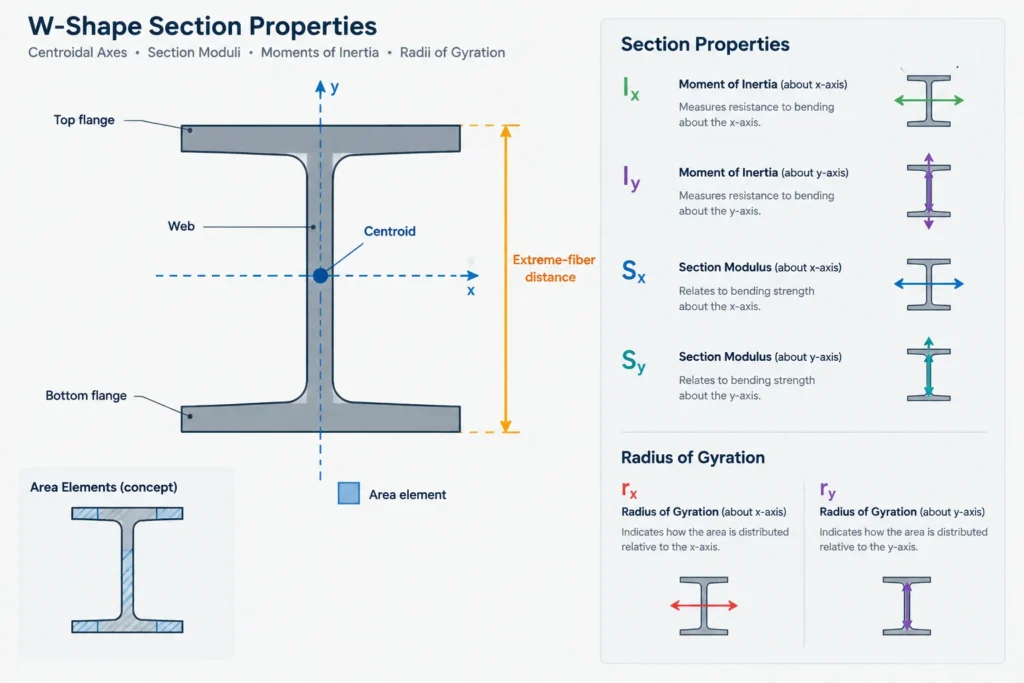
The area moment of inertia measures how cross-sectional area is distributed relative to an axis. It is commonly listed as Ix and Iy for the table’s defined x- and y-axes. Its dimensional form is L⁴ because the area element contributes L² and its squared distance from the axis contributes another L².
The product of inertia Ixy also has units of L⁴. It describes the distribution of area relative to two axes and is important when evaluating unsymmetric sections or finding principal axes. Matching units does not make Ixy interchangeable with Ix or Iy; the properties represent different geometric relationships.
Fourth-power units are a frequent source of spreadsheet errors. A value copied from an imperial shape table cannot be converted to a metric value by applying only the ordinary inch-to-millimeter length factor. The factor must be raised to the fourth power.
S, Z, and Q: different properties with cubic units
Elastic section modulus S
Elastic section modulus is calculated from moment of inertia divided by the distance from the relevant neutral axis to an extreme fiber. Since I has dimensions L⁴ and the extreme-fiber distance has dimensions L, S has dimensions L³.
For a section that is not symmetric about the bending axis, the distances to the two extreme fibers may differ. A table or calculation may therefore report different elastic section moduli for opposite sides of the same axis.
Plastic section modulus Z
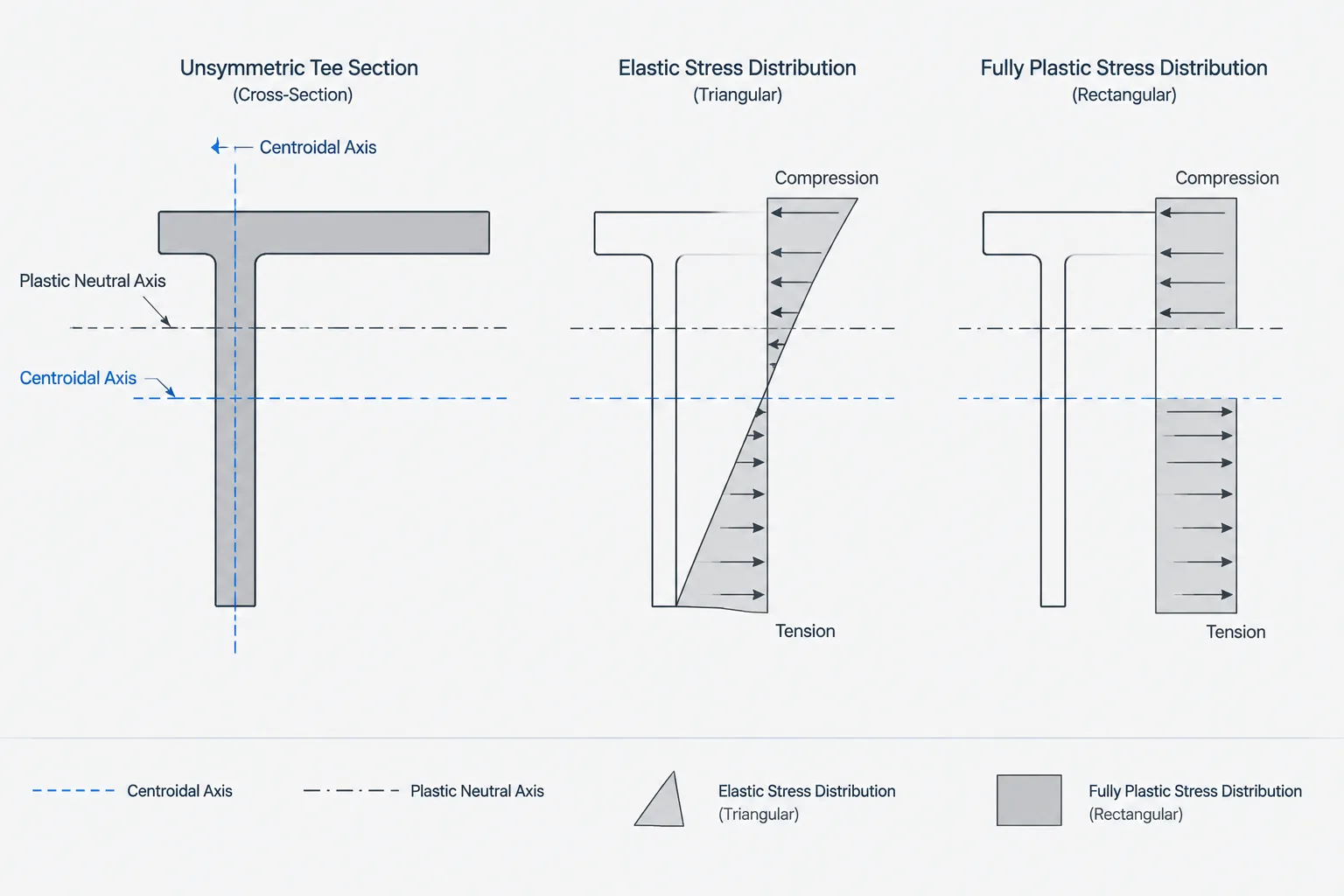
Plastic section modulus also has dimensions L³, but it is based on area distributed about the plastic neutral axis rather than the elastic stress relationship used for S. Equal units do not imply equal meaning. A field labeled Z must not be populated with S simply because both are expressed in cubic units.
First moment of area Q
The first moment of area is the selected area multiplied by the distance from that area’s centroid to a reference axis. It therefore has dimensions L³. Q is commonly used in shear stress and shear-flow calculations, but it is not a section modulus. Its value also depends on which portion of the cross-section is selected and where the cut is taken.
Radius of gyration r: a length derived from I and A
Radius of gyration is defined by the square root of I divided by A. Dividing an L⁴ property by an L² property produces L²; taking the square root returns L. As a result, rx and ry are reported in ordinary length units.
This relationship provides a useful data check. If I and A are available in a consistent unit system, a calculated radius of gyration should be compatible with the tabulated r for the same axis, subject to published rounding. Axis labels must remain aligned: Ix and A produce rx, while Iy and A produce ry.
J and Cw: torsional properties with very different units
The torsional constant J has dimensions L⁴. Although that matches the units of area moment of inertia, J is a torsional property and should not be treated as Ix, Iy, or a polar moment without confirming the applicable theory and section type. Open shapes and closed HSS can exhibit very different torsional behavior even when a database presents J in the same unit column format.
The warping constant Cw has dimensions L⁶. Its unusually high dimensional power makes unit-conversion mistakes especially severe. It is associated with nonuniform torsion and warping behavior, particularly for open sections. Software may omit Cw for some profiles, calculate it from idealized geometry, or define torsional inputs differently. The field definition should be checked before importing data.
Weight per length and mass per length are not section properties
Shape designations and tables often include a value per unit length. In U.S. practice this may be described as nominal weight per foot, while metric resources commonly present mass per unit length. These are not interchangeable labels from a dimensional-analysis standpoint: weight is force, while mass is mass.
Converting a length-based geometric property requires only a length conversion factor. Converting mass per length or force per length requires separate attention to both parts of the unit. Do not infer the required conversion solely from the shape designation or from the geometry units used in a CAD file.
A practical conversion and verification workflow
- Read the table heading. Confirm the stated unit for every column instead of assuming that the entire table uses a single dimensional power.
- Confirm the axis convention. Keep x and y properties associated with the source table’s section orientation.
- Establish the base length factor. Determine the multiplier from the source length unit to the target length unit.
- Apply the correct exponent. Use the length factor for dimensions and r, its square for A, its cube for S, Z, and Q, its fourth power for I and J, and its sixth power for Cw.
- Treat mass and force separately. Use the appropriate mass-per-length or force-per-length conversion rather than a geometric-property rule.
- Check relationships. Verify expressions such as r = √(I/A) and S = I/c using consistent units and the correct axis.
- Preserve source precision. Avoid repeated conversions and unnecessary rounding. Keep an unmodified source value when practical.
- Document the result. Record the source unit, target unit, axis, conversion method, and rounding policy in the spreadsheet or model metadata.
CAD and software checks
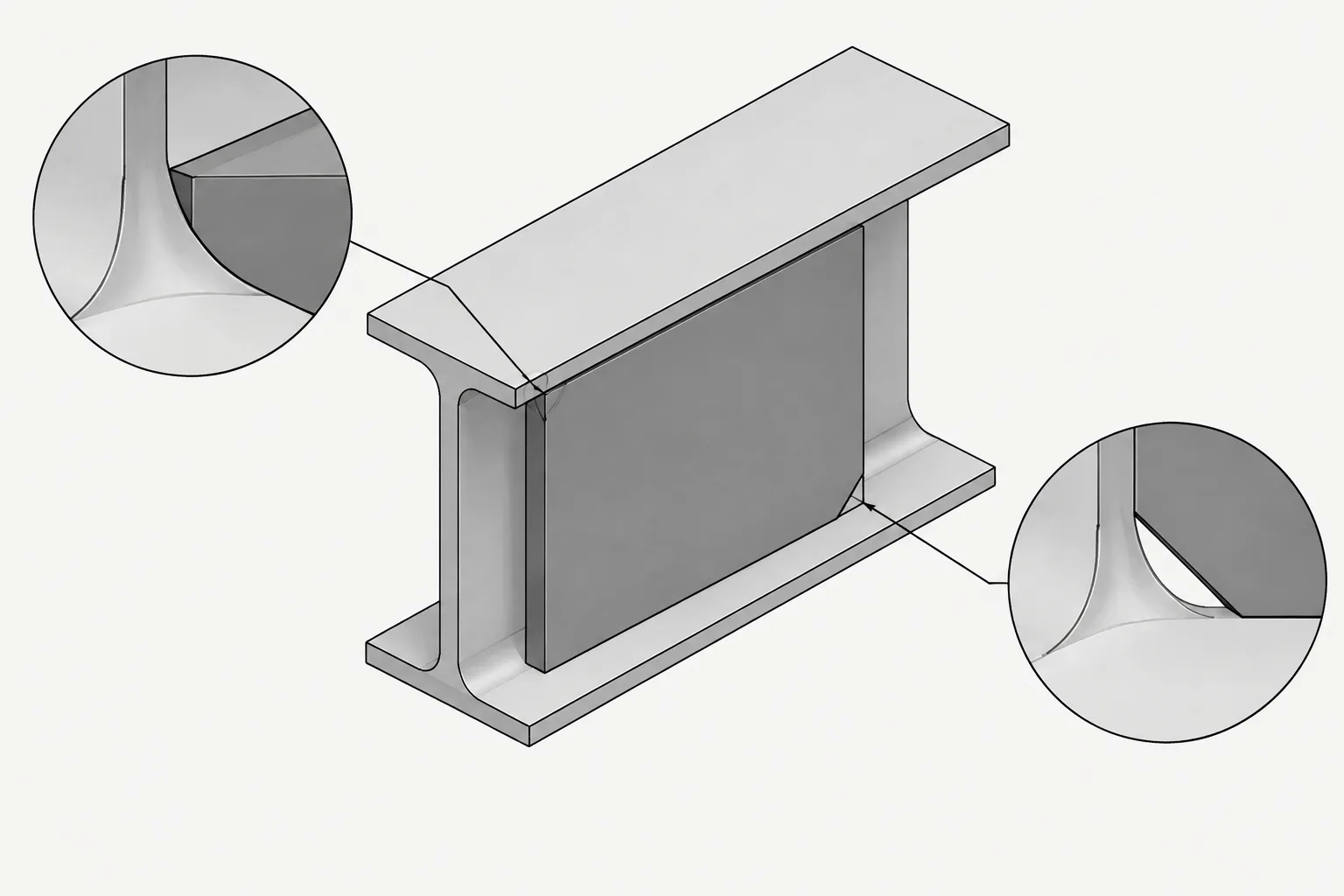
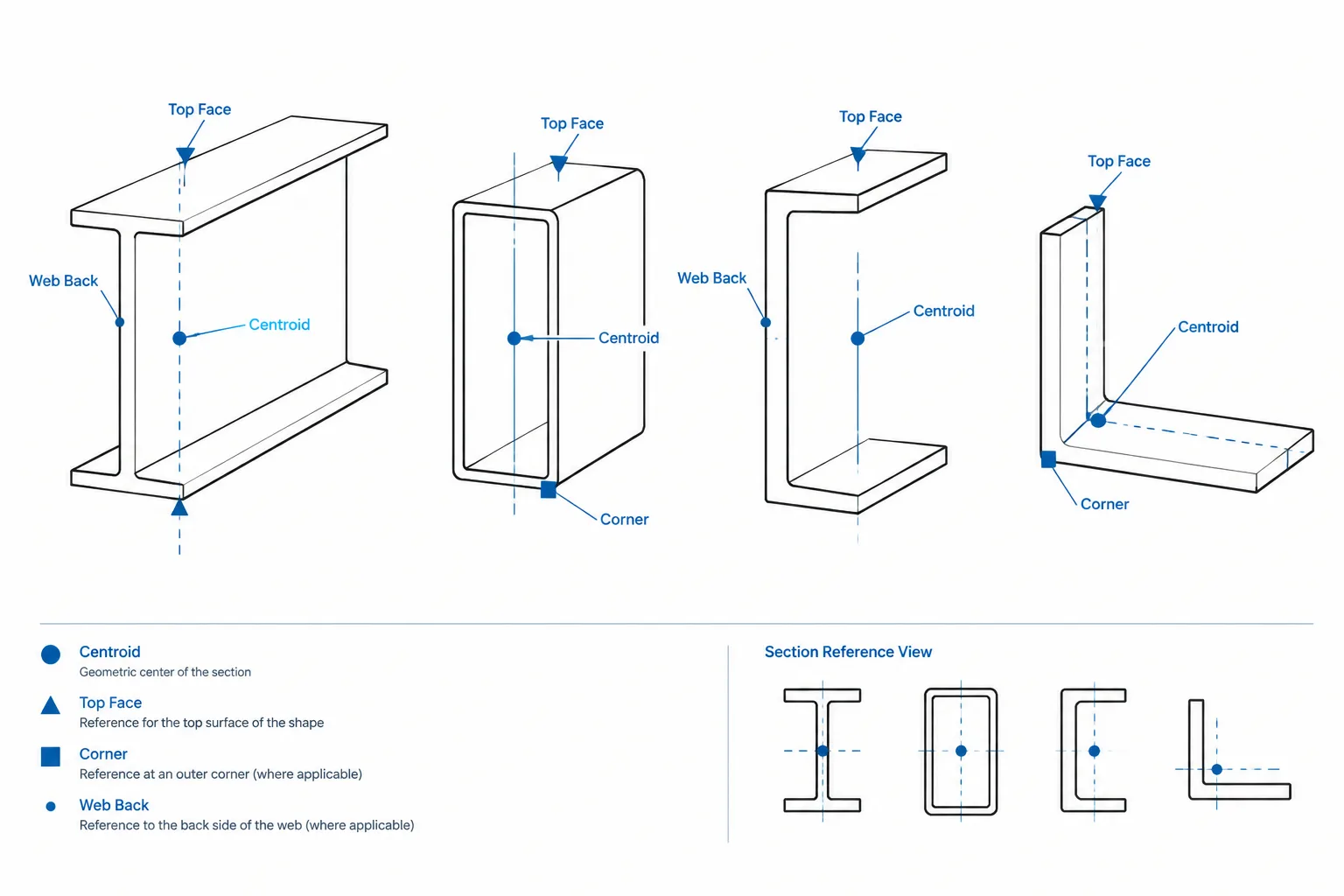
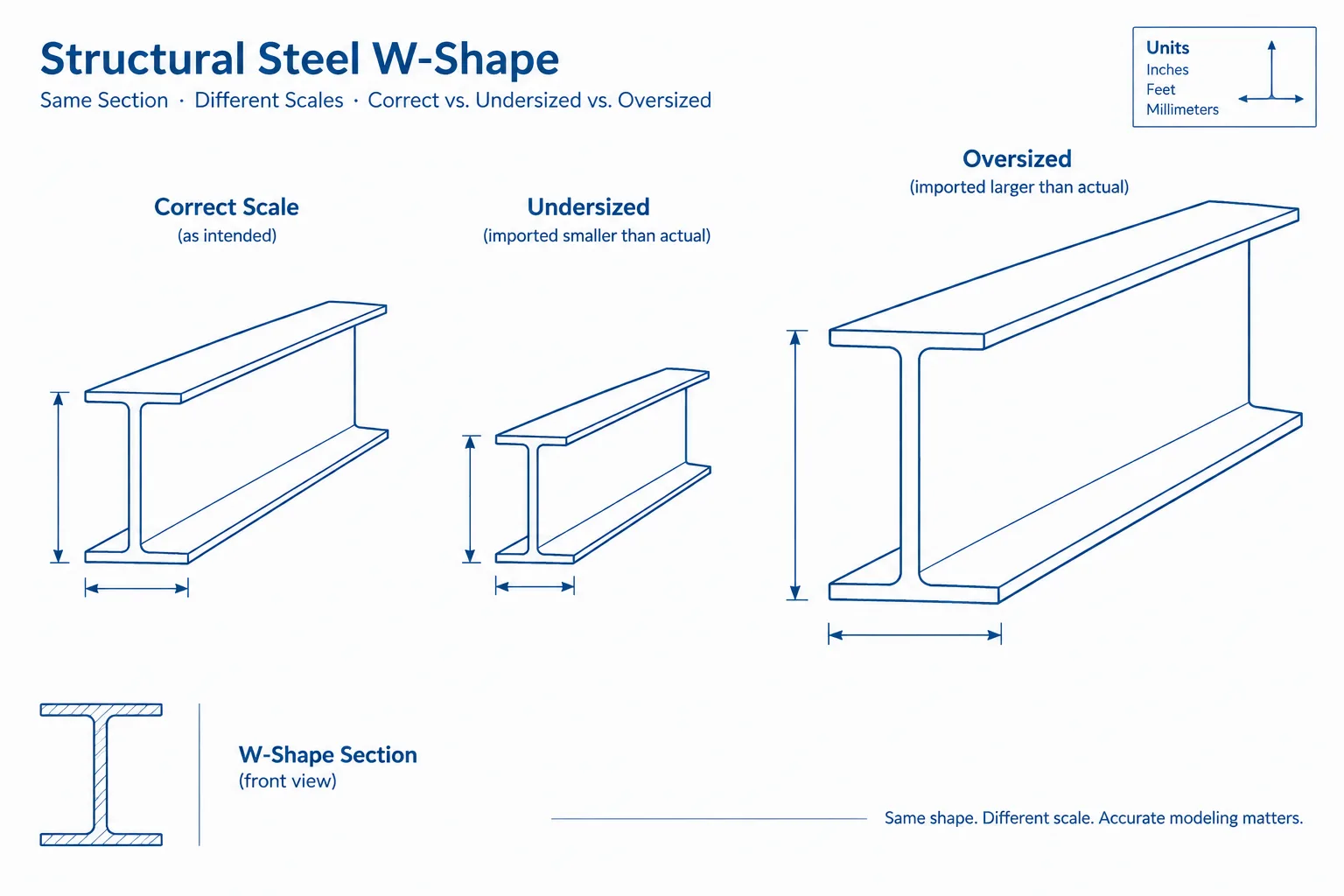
A steel profile drawn in CAD does not automatically carry trustworthy engineering properties. The profile may be simplified, scaled incorrectly, missing fillets, represented by disconnected loops, or stored in drawing units that differ from the intended real-world units. Before using CAD-generated area or inertia, verify the drawing unit, profile closure, section orientation, and geometric fidelity.
Analysis and BIM applications may also use internal units that differ from their displayed units. A visually correct value can still be assigned to the wrong property field or axis. Exported reports should show enough unit information to distinguish area, cubic properties, fourth-power properties, and torsional data.
Final review checklist
- Are the source and target units explicitly identified?
- Was the conversion factor raised to the correct dimensional power?
- Are x- and y-axis values still paired with the correct section orientation?
- Were S, Z, and Q kept separate despite sharing cubic units?
- Was J kept separate from bending inertia and polar-property concepts?
- Was Cw converted as a sixth-power property?
- Were mass per length and weight per length treated according to their stated units?
- Do simple relationships such as r = √(I/A) provide a reasonable cross-check?
Understanding dimensional powers turns unit conversion from a memorization task into a repeatable quality-control process. It also makes structural steel data easier to audit when values move among shape tables, CAD profiles, calculations, and analysis models.