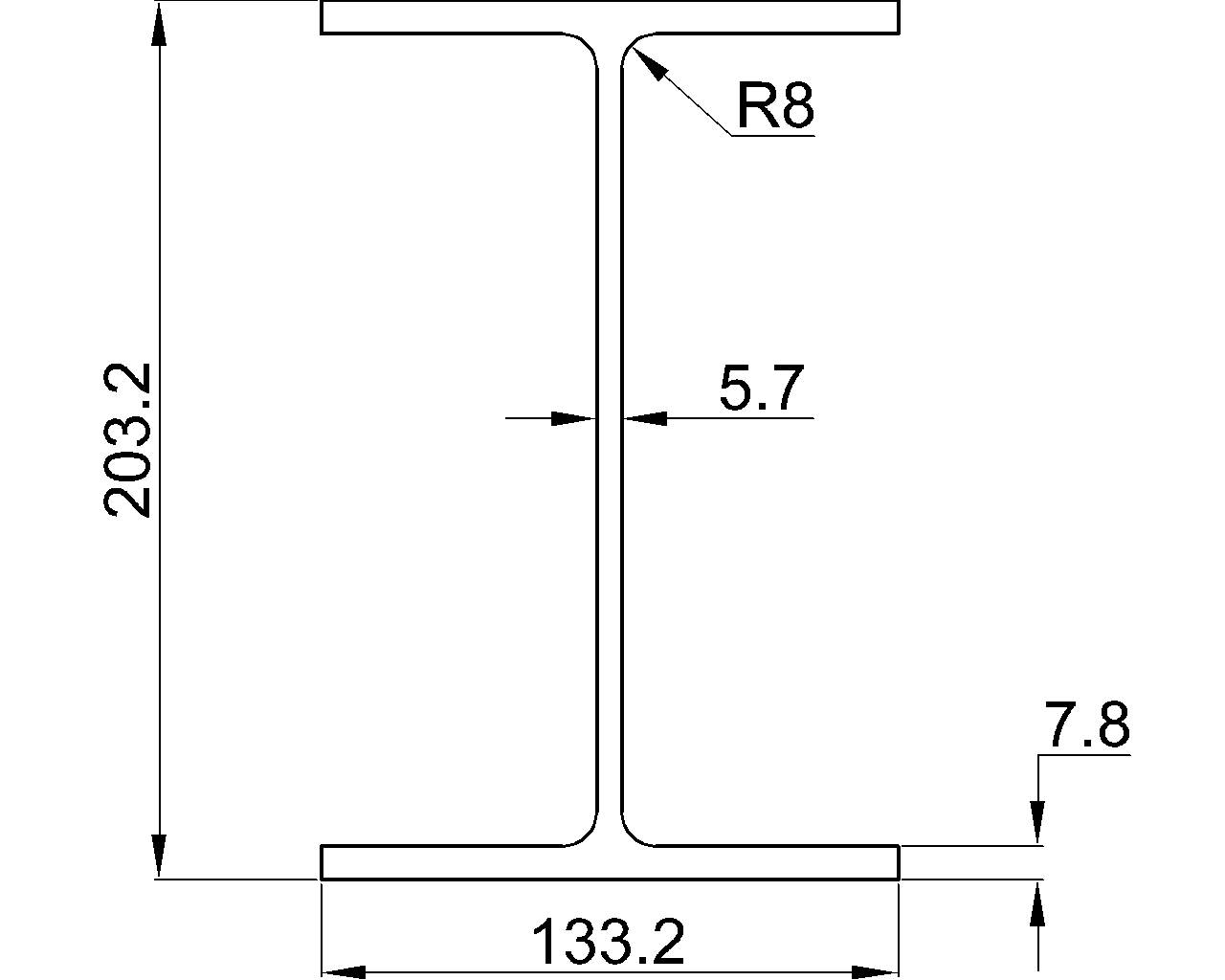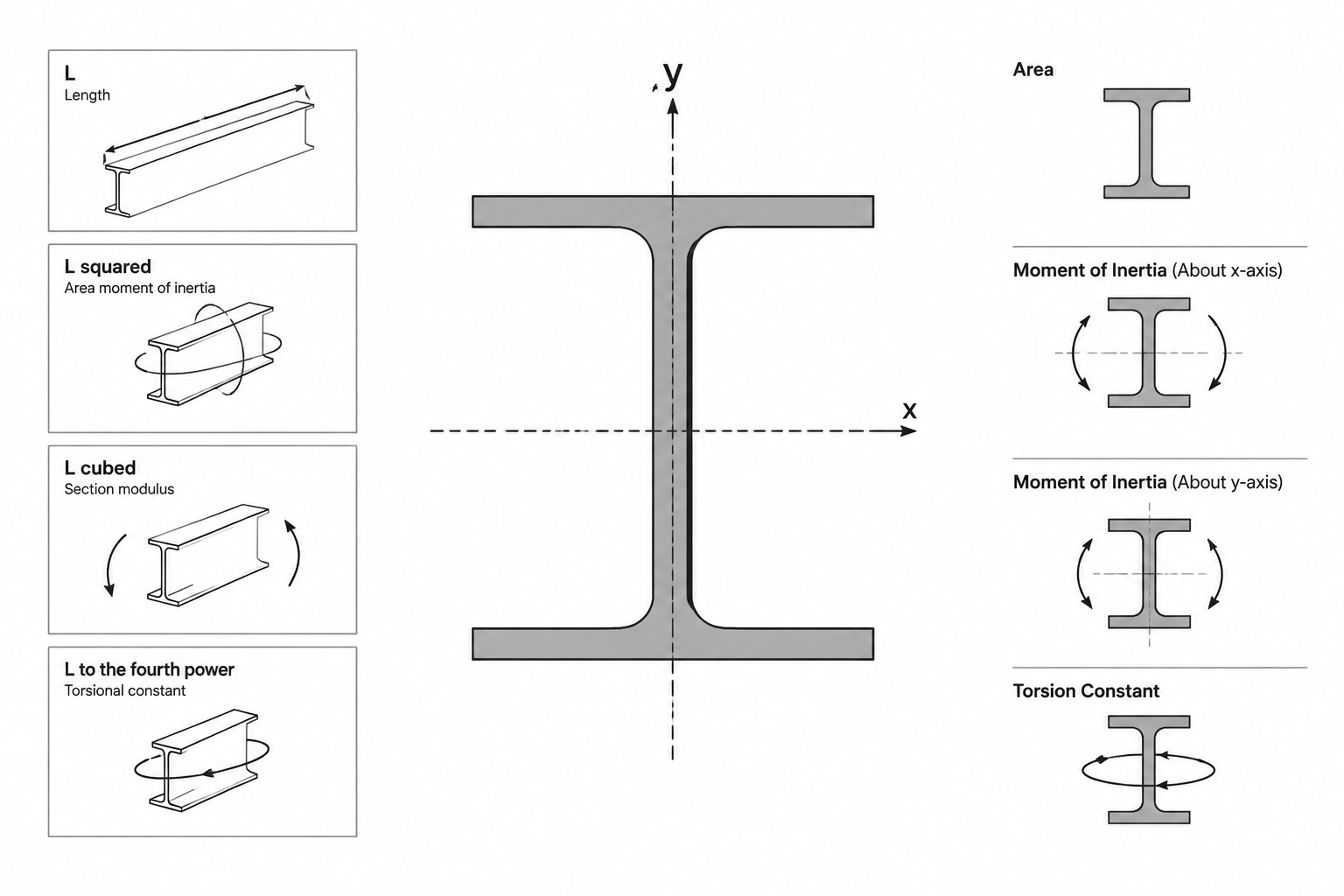
Steel shape tables contain values expressed in several different kinds of units. Area may be listed in square inches, moment of inertia in inches to the fourth power, section modulus in cubic inches, and weight in pounds per foot. Although these properties describe the same cross section, they do not use the same conversion factor.
The key is dimensional order. A property based on length squared must be converted with a squared length factor. A property based on length to the fourth power requires that factor to the fourth power. Recognizing this pattern helps prevent errors when moving section data between U.S. customary and metric references, spreadsheets, structural calculations, and CAD models.
Why section-property units have different exponents
A cross section is a two-dimensional geometric region. Some properties measure its size directly, while others describe how that area is distributed relative to an axis. The farther material lies from the reference axis, the more strongly it can affect properties such as moment of inertia.
Dimensional analysis identifies the resulting units:
- A length has dimensions of L.
- An area has dimensions of L2.
- A first moment of area has dimensions of L3.
- A second moment of area has dimensions of L4.
- Warping properties can involve even higher powers of length.
These exponents are not table formatting conventions. They come from the mathematical definition of each property and control how the value changes when the section geometry is uniformly scaled or converted to another length unit.
Common steel section properties and their units
| Property | Common symbol | Dimensional form | Typical U.S. customary unit | Typical metric unit |
|---|---|---|---|---|
| Cross-sectional area | A | L2 | in2 | mm2 |
| Moment of inertia | I | L4 | in4 | mm4 |
| Elastic section modulus | S | L3 | in3 | mm3 |
| Plastic section modulus | Z | L3 | in3 | mm3 |
| Radius of gyration | r | L | in | mm |
| St. Venant torsional constant | J | L4 | in4 | mm4 |
| Warping constant | Cw | L6 | in6 | mm6 |
| Weight or mass per unit length | varies | force/length or mass/length | lb/ft | kg/m |
Axis subscripts do not change the units. For example, Ix and Iy both have units of length to the fourth power. The subscripts identify the reference axes, not different types of quantities.
What each dimensional order means
Area: length squared
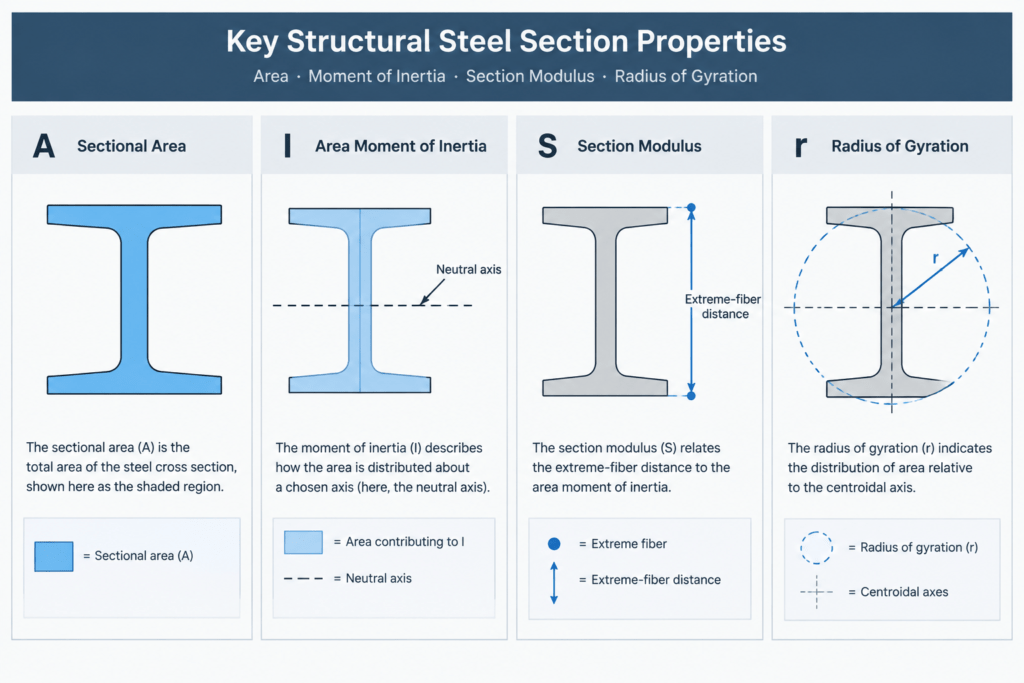
Cross-sectional area represents the amount of material in the section before deductions or other design adjustments are considered. Because area occupies two dimensions, its unit is squared. If every coordinate of a section is multiplied by a scale factor, its area changes by the square of that factor.
Moment of inertia: length to the fourth power
The area moment of inertia describes how cross-sectional area is distributed around an axis. Its definition includes both an area element and the square of its distance from the axis. The area contributes L2, and the squared distance contributes another L2, producing L4.
This fourth-power relationship is why an incorrect unit conversion can produce a very large discrepancy. Converting only the displayed linear unit while leaving an inertia value unchanged does not create valid metric or U.S. customary data.
Section modulus: length cubed
Elastic section modulus is related to moment of inertia by S = I/c, where c is the distance from the relevant neutral axis to the extreme fiber. Dividing L4 by L produces L3. Plastic section modulus also has cubic-length units, although it is based on the distribution of area about the plastic neutral axis rather than the elastic expression.
Radius of gyration: length
Radius of gyration is defined by r = √(I/A). Dividing L4 by L2 gives L2, and taking the square root returns a simple length. This provides a useful unit check when radius of gyration is calculated from table values.
Torsional and warping properties
The St. Venant torsional constant J normally has fourth-power length units, but it should not be treated as interchangeable with a flexural moment of inertia. The properties represent different geometric behavior and appear in different equations.
The warping constant Cw has sixth-power length units. Its high dimensional exponent makes unit identification especially important. A warping value copied without its unit system can be difficult to recognize and dangerous to reuse.
A reliable method for converting section properties
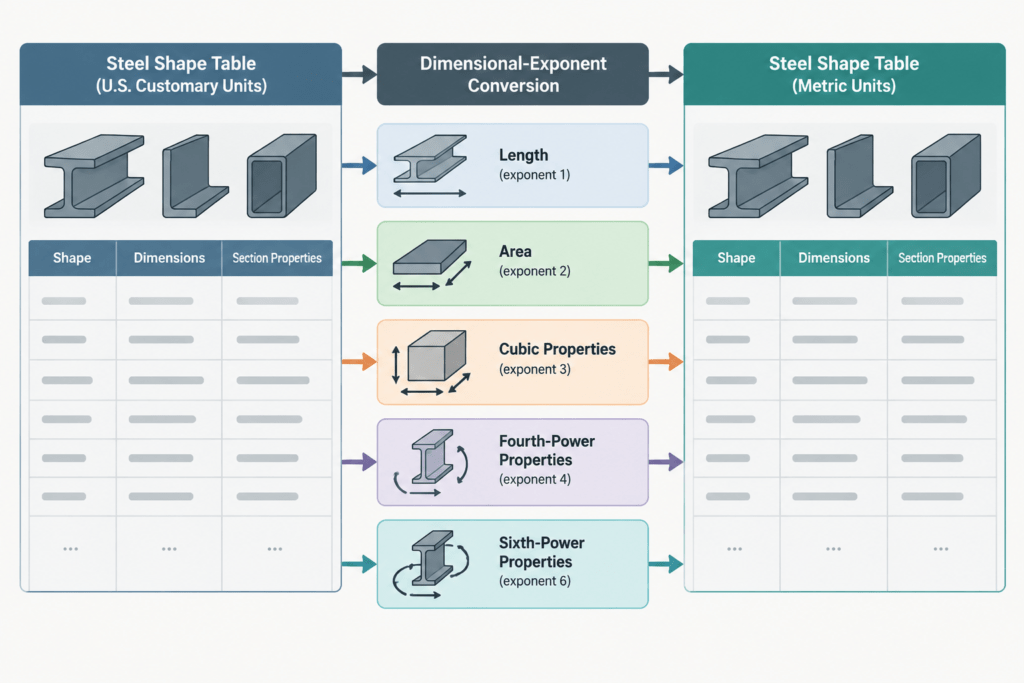
Let k represent the conversion factor from the original length unit to the target length unit. Apply that factor according to the dimensional order of the property:
- Linear dimensions and radius of gyration: multiply by k.
- Area: multiply by k2.
- Section modulus and first moments of area: multiply by k3.
- Moment of inertia and torsional constant: multiply by k4.
- Warping constant: multiply by k6.
This method is safer than memorizing a separate conversion value for every property. It also works in either direction, provided the chosen length factor is defined in the correct direction.
Weight per length requires separate treatment. U.S. shape designations and tables commonly use pounds per foot, while metric references commonly report mass per length. Converting between them involves both the quantity type and the length basis; it is not a fourth-power or cubic geometric conversion.
CAD and spreadsheet mistakes to avoid
Scaling geometry but not updating metadata
A CAD profile may be converted between drawing units by uniformly scaling its geometry. Any section properties stored as text, block attributes, or external database fields will not necessarily update with the geometry. Labels and property records must be converted independently and checked.
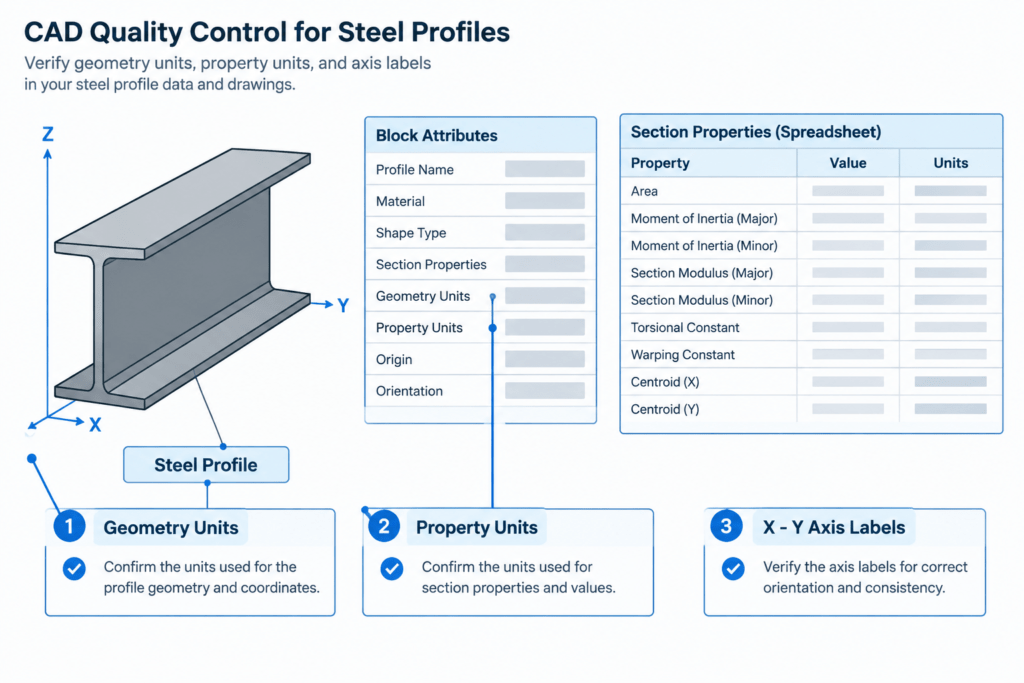
Changing a unit label without changing the value
Replacing “in4” with “mm4” does not convert a moment of inertia. This error often occurs when spreadsheet headings are edited or a template is reused for another unit system.
Applying one factor to every column
A section table may place depth, area, inertia, section modulus, and radius of gyration side by side. Each column has a different dimensional order. A single spreadsheet multiplier cannot correctly convert the entire row.
Losing axis identification
Correct units do not guarantee that the correct property has been selected. Preserve x- and y-axis subscripts, local-axis definitions, and section orientation when transferring values. This is particularly important for channels, angles, tees, and other sections whose axis relationships may be less obvious than those of a doubly symmetric W shape.
Practical quality-control checks
- Keep units in every spreadsheet column heading and export field name.
- Record the source unit system instead of relying on the apparent magnitude of a value.
- Check dimensional consistency in formulas before checking arithmetic.
- Confirm that axis labels remain attached to the correct values after sorting or importing data.
- Use additional precision during conversion, then round only for the intended output.
- Compare converted data against a verified reference rather than treating visual similarity as validation.
- Do not infer design capacity directly from a geometric section property; material, member, loading, stability, and code provisions also matter.
Using units as an error-detection tool
Units do more than describe a finished value. They provide a quick test of whether an equation, database field, or CAD annotation is plausible. If I/A does not produce squared-length units before the square root is taken, the inputs or formula are inconsistent. If section modulus is labeled with fourth-power units, the field may have been confused with moment of inertia.
When reviewing steel shape data, read the unit heading with the same care as the property symbol. A value is meaningful only when its quantity, axis, and unit system remain connected.