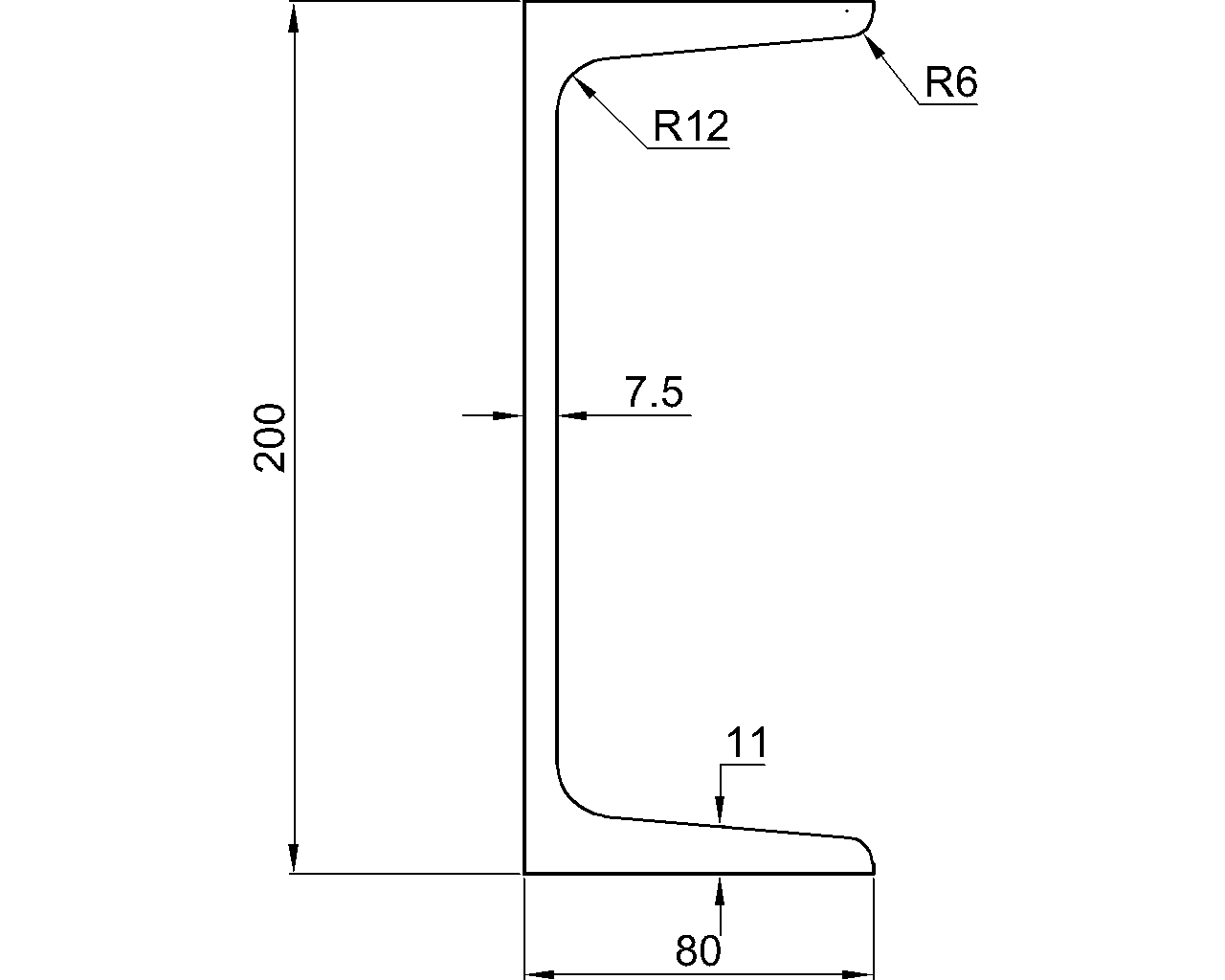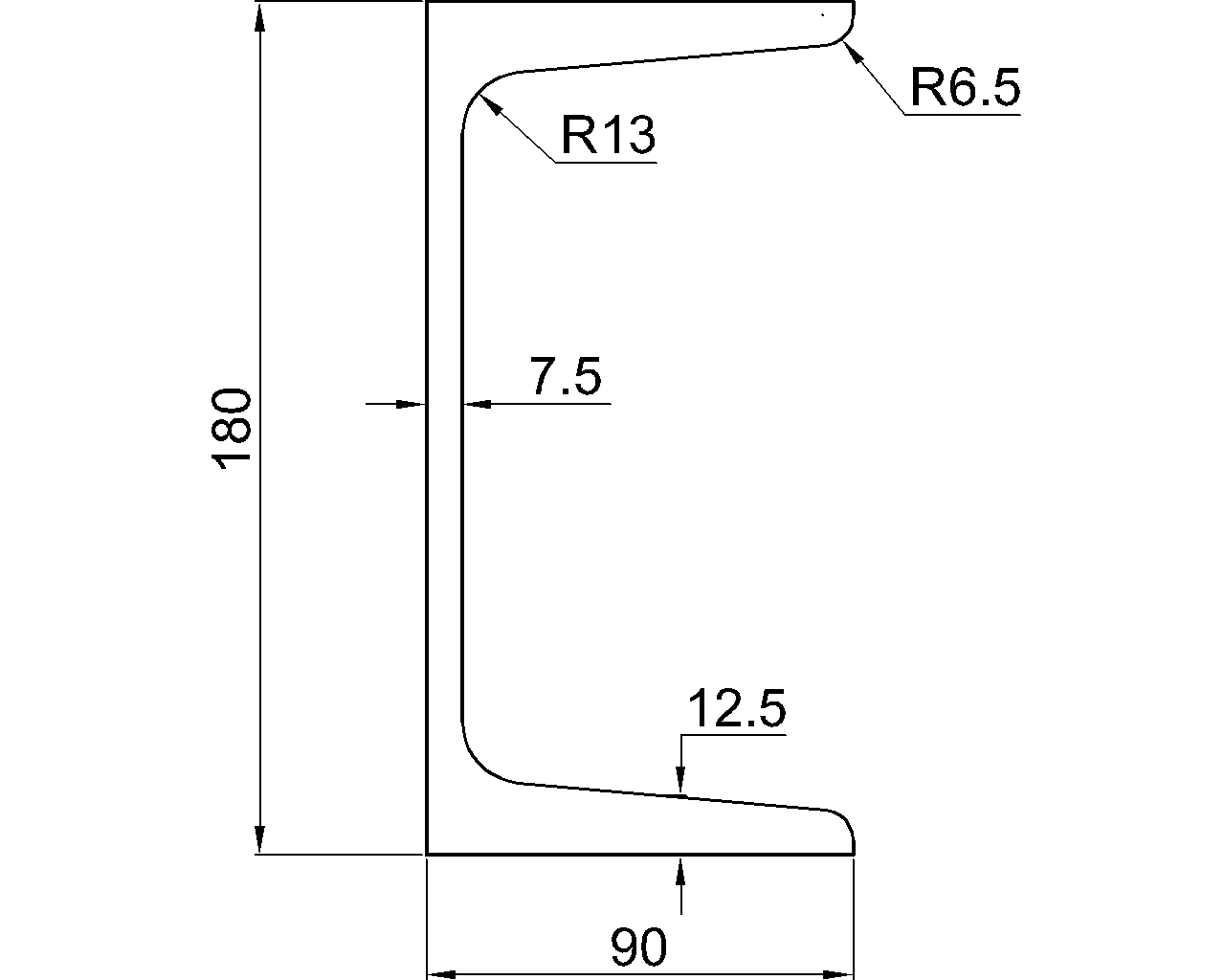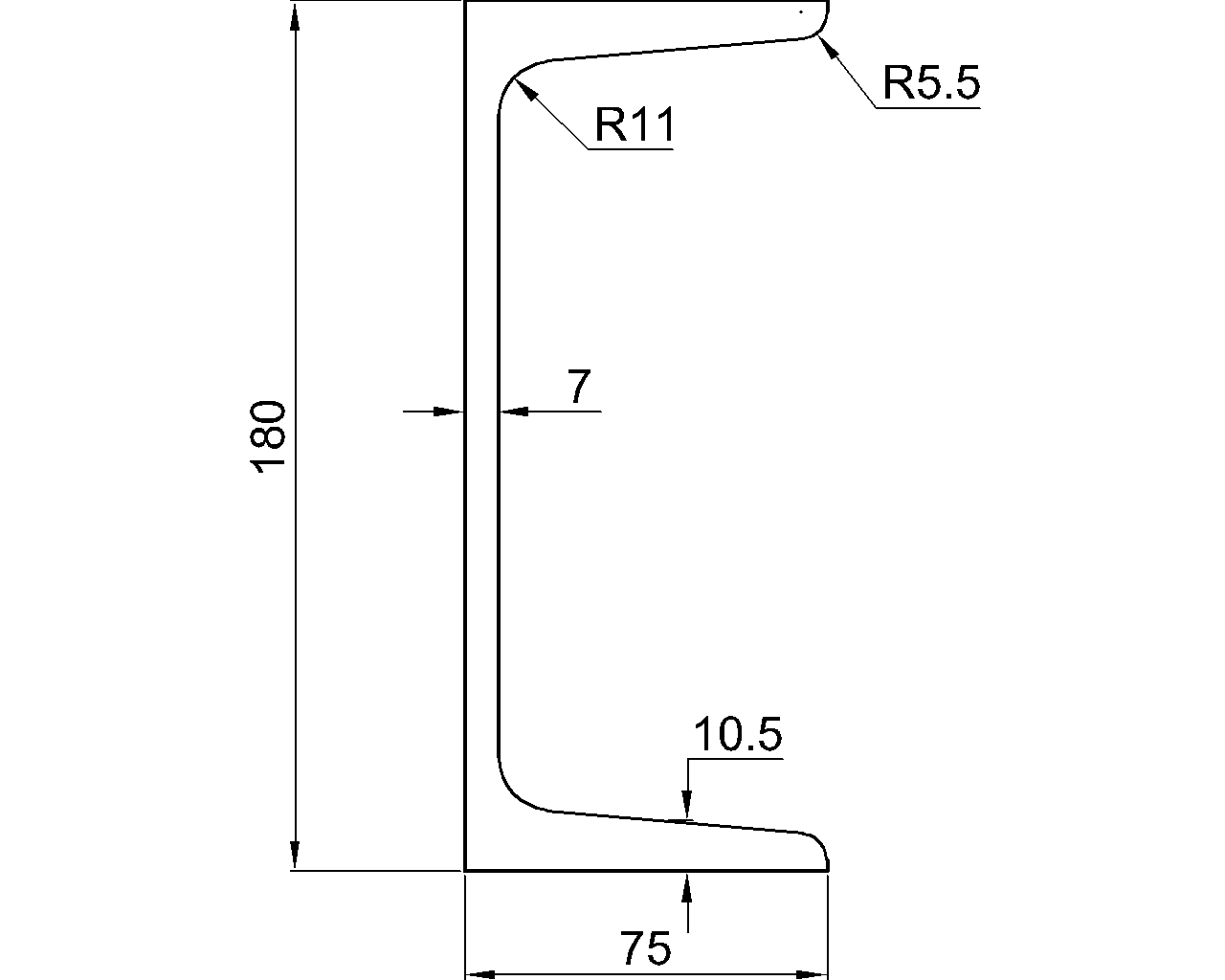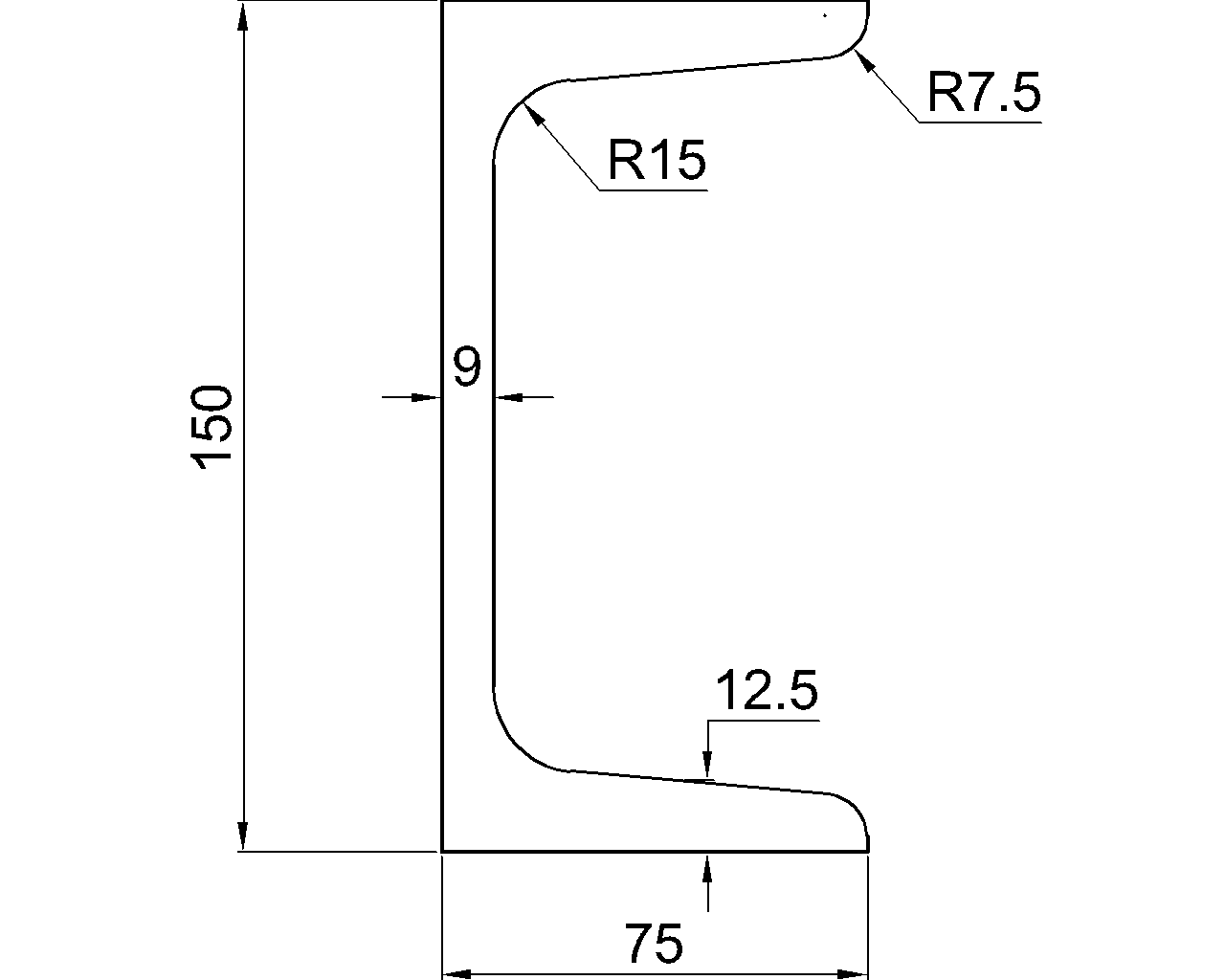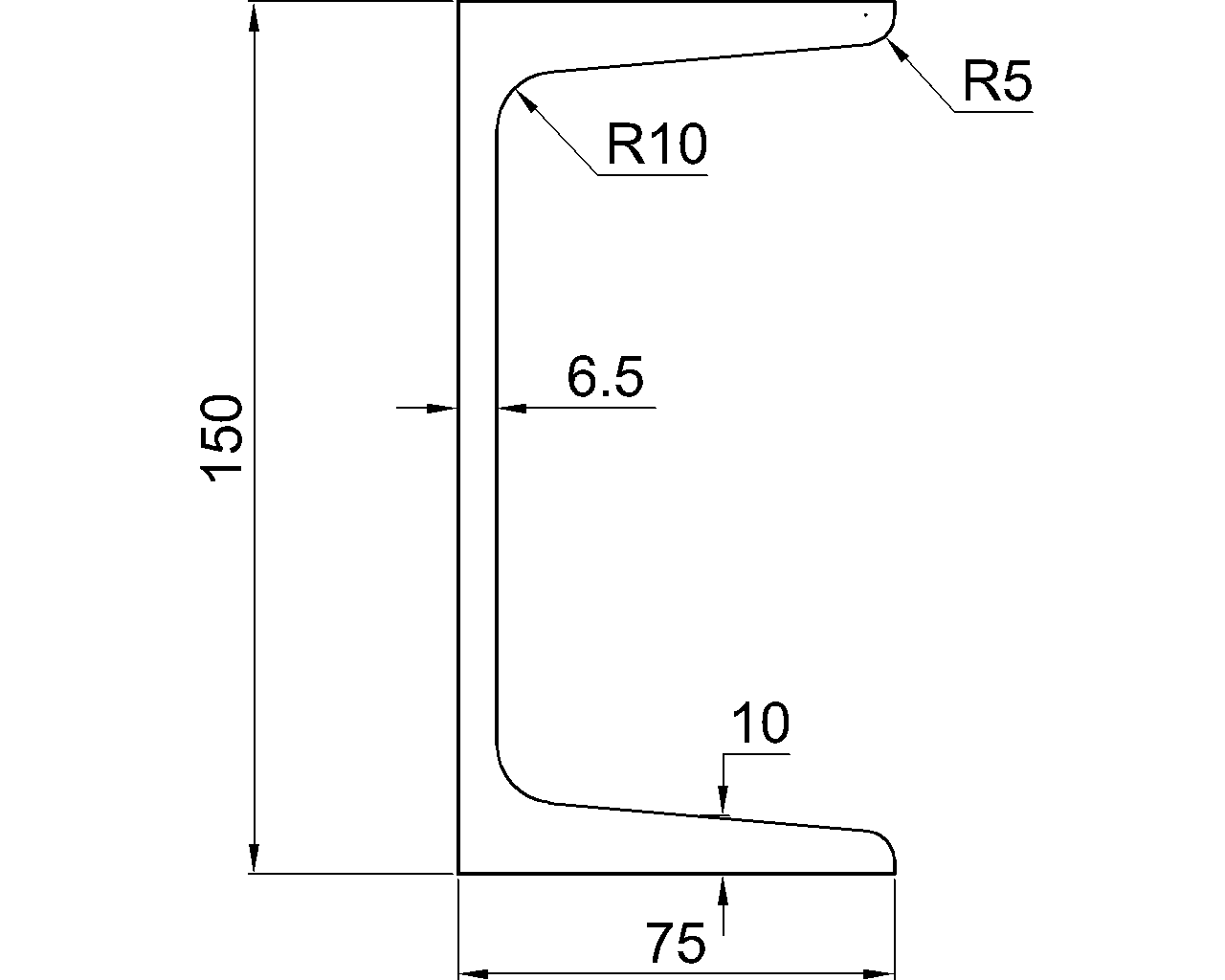
Curved edges appear in gusset plates, connection plates, beam copes, stiffeners, base plates, lifting details, and architectural steelwork. Although the finished profile may look simple, an arc can be difficult to fabricate correctly when the drawing shows only a radius without clearly locating the curve.
Reliable plate detailing requires two kinds of information: the shape of the curve and its position relative to the rest of the part. A radius describes curvature, but it does not necessarily establish where the arc begins, where it ends, or how it joins adjacent edges. The detailer must communicate enough geometry to reconstruct the intended profile without relying on visual interpretation.
Why a Radius Alone May Be Incomplete
A radius defines the size of a circular arc. Many different arcs, however, can have the same radius. Unless the surrounding geometry constrains the result, the fabricator may still need to know the arc center, endpoints, tangent points, or other controlling references.
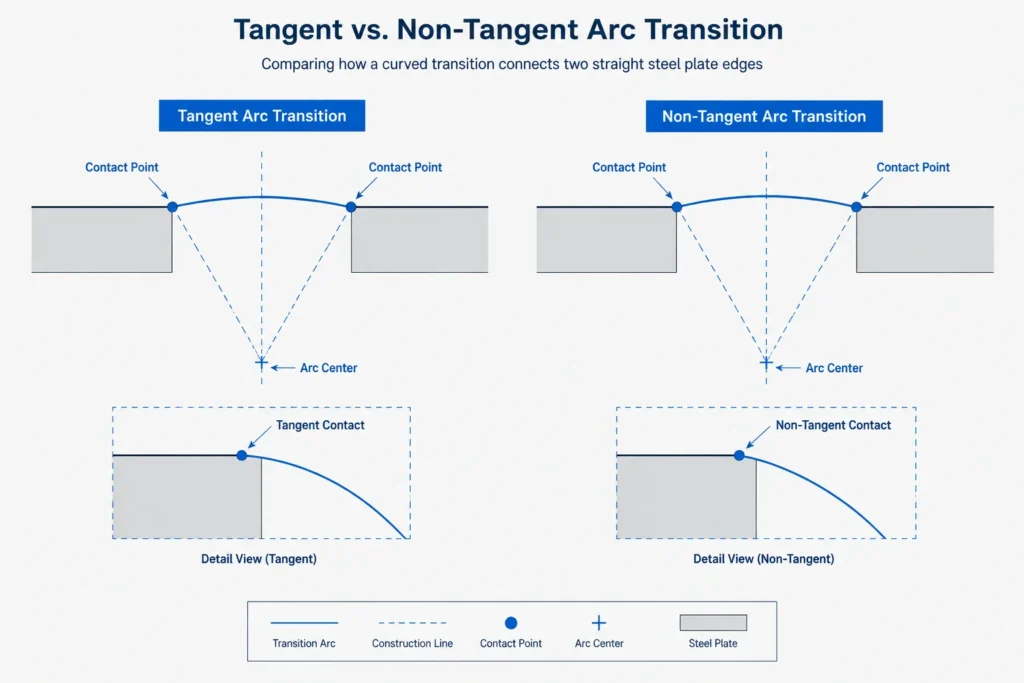
Consider a curved transition between a vertical edge and a sloping edge. A radius callout may be sufficient if both straight edges are fixed and the arc is explicitly tangent to each. If the transition is not tangent, or if one edge can move, the same callout can describe multiple possible profiles.
A complete curved-profile definition commonly identifies some combination of:
- The arc radius or diameter
- The center point of the arc
- The beginning and ending points
- The tangent edges or tangent points
- The chord length and arc rise
- Coordinates measured from established plate datums
- The intended direction of curvature
The appropriate combination depends on how the curve was designed and how the shop will create and inspect the part.
Key Geometry Terms for Plate Curves
Radius and arc center
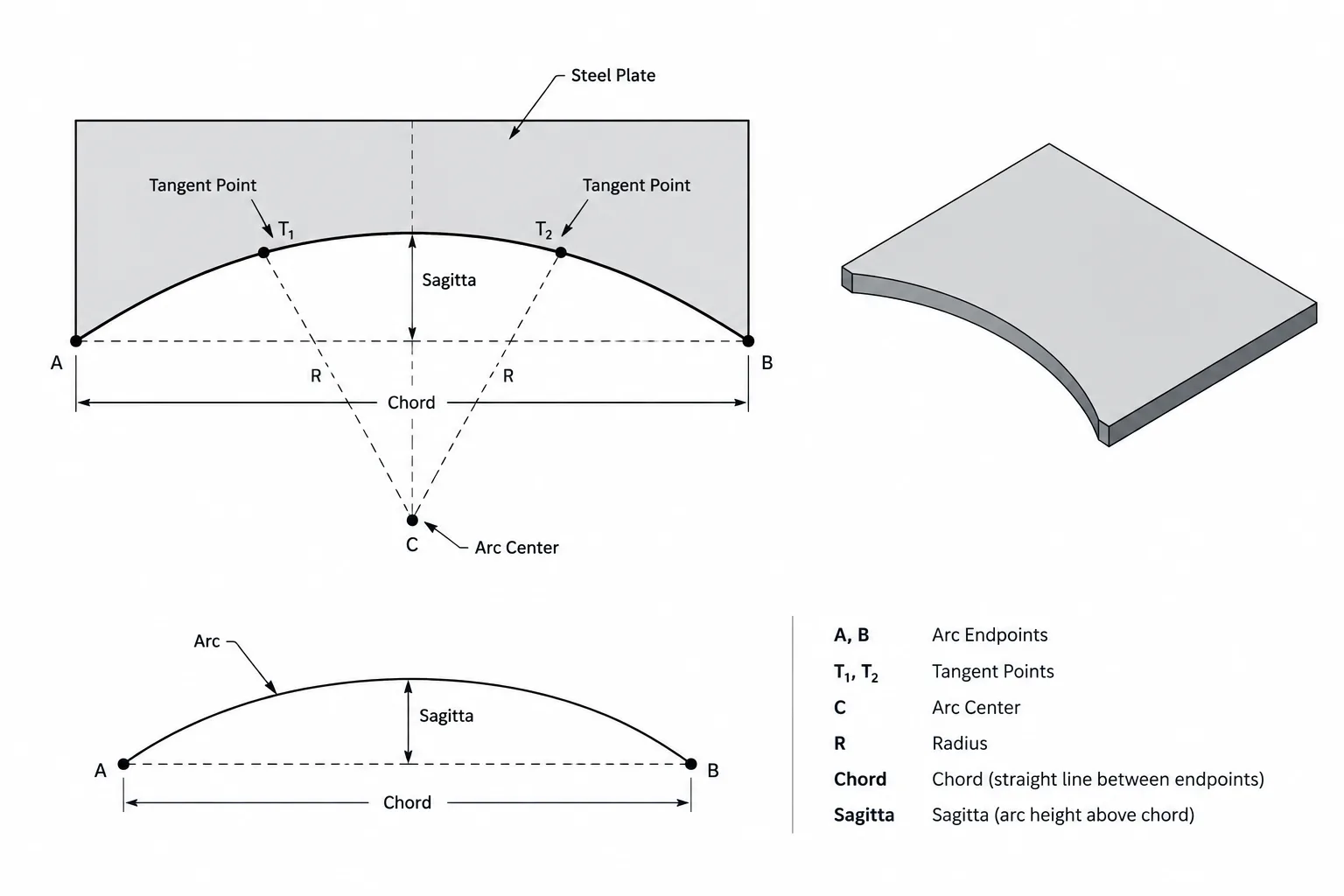
The radius is the distance from the arc center to any point on the circular curve. Locating the center relative to plate datums provides a direct mathematical definition, especially when the arc does not form a simple corner round.
Arc centers do not have to lie within the plate. A shallow curve may have a center far outside the part boundary, which can make a center-based drawing awkward. In that situation, endpoints, chords, or coordinates may communicate the profile more effectively.
Arc endpoints
Endpoints establish where the curved segment starts and stops. They may be dimensioned from the plate edges, a hole centerline, a work point, or another stable datum. Endpoints are particularly important when the arc meets straight edges without a tangent transition.
Tangent points
A tangent point is where a curve joins a straight edge without an abrupt change in direction. The straight line and the arc share the same direction at that location. Tangency produces a smooth transition and is different from merely placing an arc endpoint on an edge.
When tangency is part of the design intent, it should be apparent from the geometry or stated in the drawing information. A visually smooth CAD profile does not, by itself, prove that the entities are mathematically tangent.
Chord and sagitta
A chord is a straight line connecting the endpoints of an arc. The sagitta, sometimes called the arc rise, is the perpendicular distance from the midpoint of the chord to the curve. These values can define a circular arc when its center is inconvenient to dimension.
For a circular arc, the radius R can be related to chord length c and sagitta s by:
R = c² ÷ (8s) + s ÷ 2
This relationship is useful for checking geometry, but shallow arcs require care because a small change in rise can produce a large change in the calculated radius. The drawing should use the dimensions that best represent the actual design intent rather than selecting chord-and-rise dimensions only because they are easy to measure.
Common Ways to Define a Curved Plate Edge
| Definition method | Best suited to | Primary coordination concern |
|---|---|---|
| Radius with tangent edges | Corner rounds and smooth transitions between fixed lines | Both adjoining edges must be clearly established |
| Radius and center location | Arcs controlled from a work point, hole, or plate datum | The center may fall outside the drawing view |
| Endpoints and radius | Curves with controlled start and stop locations | The intended side and direction of the arc must be clear |
| Chord and rise | Large or shallow circular profiles | Rounding can noticeably affect the reconstructed curve |
| Point coordinates | Complex profiles prepared for digital cutting | The coordinate datum, units, and point sequence must remain consistent |
| Full-scale digital profile | Irregular or compound-cut geometry | The file must be checked against drawing revisions and controlling dimensions |
Curves at Plate Corners and Re-Entrant Cuts
Outside corner rounds and inside re-entrant curves may look similar in CAD, but they serve different geometric conditions. An outside radius removes material from a convex corner. An inside radius forms the root of a notch, cope, or cutout.
Re-entrant corners deserve particular attention because an accidental sharp corner can differ significantly from the intended rounded profile. If a radius is required by the design or fabrication procedure, the CAD boundary should contain the actual arc rather than a pair of lines that merely appear rounded at the plotted scale.
The detailer should also check whether a curved cut must clear a rolled-shape fillet, weld, bolt head, tool path, or intersecting member. Increasing or relocating a radius to solve a shop issue changes the plate geometry and may affect the connection. Such changes should be coordinated rather than treated as harmless drafting cleanup.
True Geometry Versus Projected Geometry
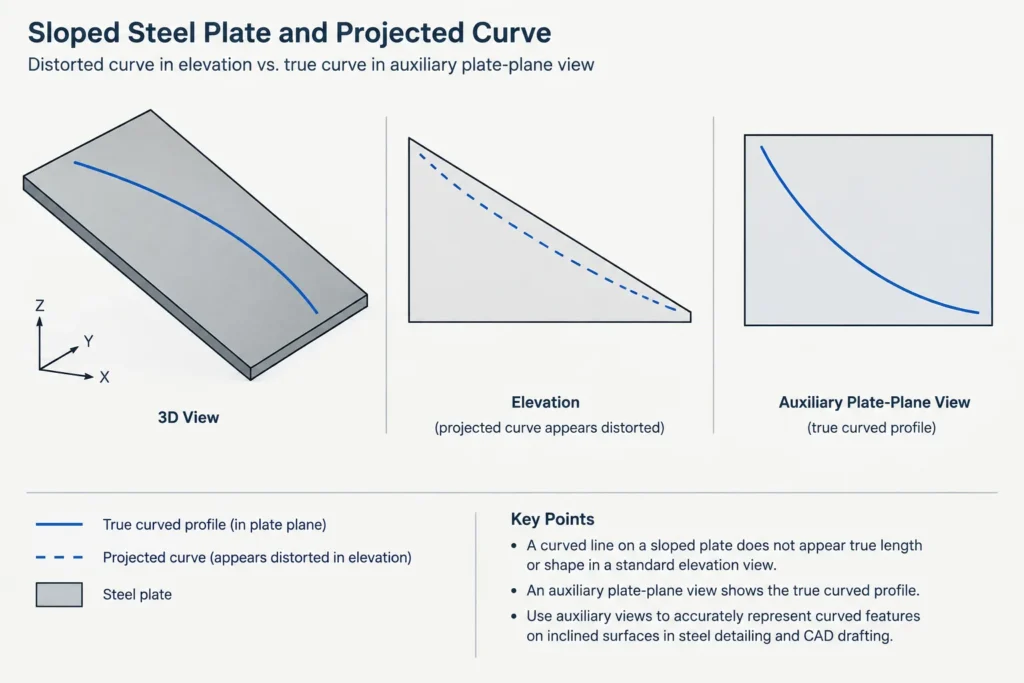
A curve shown on a sloped or skewed plate may appear distorted in plan or elevation. A circular cut in the plate’s own plane can project as a noncircular shape in another view. Dimensioning the projected appearance can therefore produce incorrect fabrication geometry.
Curved profiles should normally be established in the true plane of the plate. An auxiliary view, developed view, or plate-local CAD coordinate system can show the actual shape without projection distortion. Plan and elevation views can then be used to locate the plate assembly rather than redefine its cut boundary.
This distinction is especially important where a plate intersects an HSS face, a sloped beam, or another skewed surface. The theoretical intersection may not be a simple circular arc even when it resembles one in a particular view.
CAD and CNC Workflow Checks
A clean digital profile is useful, but a fabrication file should not become the only record of design intent. The drawing and the cutting geometry should agree on datums, orientation, units, revision status, and controlling dimensions.
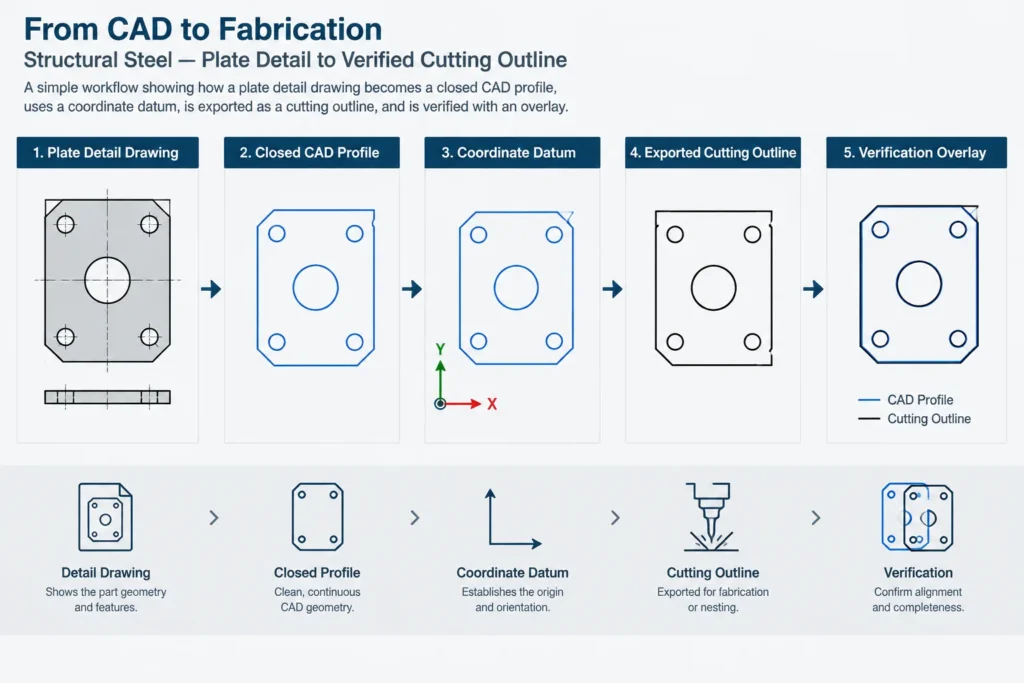
Before releasing a curved plate profile, check the following:
- Entity continuity: Confirm that lines and arcs meet without gaps, overlaps, or duplicate segments.
- Mathematical tangency: Use CAD constraints or geometry checks instead of judging smoothness visually.
- Closed boundary: Verify that the plate perimeter forms a usable closed loop when required by the cutting workflow.
- Correct plane: Ensure the exported profile represents the plate’s true plane rather than a projected view.
- Datum consistency: Use the same origin and edge references in the drawing, model, coordinate list, and fabrication file.
- Arc preservation: Check whether export has retained true arcs or converted them into short straight segments.
- Profile direction: Confirm that inside and outside boundaries are not reversed or mirrored.
- Revision match: Compare the exported file with the current drawing and model before release.
Avoiding Conflicting Dimensions
More dimensions do not always produce a better plate detail. If the arc radius, center, endpoints, tangent points, and overall plate dimensions are all presented as controlling, minor rounding differences can overconstrain the profile.
A clearer approach is to identify which dimensions establish the geometry and which are provided only for checking. For example, an arc may be controlled by its radius and tangent edges while a chord dimension is shown as reference information. Alternatively, coordinate points may control the cut while an overall dimension serves as an independent verification.
The drawing should make that hierarchy understandable. Fabricators should not have to decide which conflicting dimension to ignore.
Practical Detailing Approach
Start by identifying why the curve exists. A clearance cut, smooth force-flow transition, architectural edge, tool-access feature, and member-intersection profile may each require a different definition method. Then choose stable datums that will survive model updates and shop layout.
Create the profile in the plate’s true plane, verify all tangencies and intersections, and dimension the minimum geometry needed to reconstruct the intended shape. Add independent check dimensions where they provide value, but distinguish them from controlling information. Finally, compare the drawing, model, and exported cut profile as separate deliverables.
Well-defined curved steel plate profiles are not merely cleaner CAD. They reduce interpretation, support reliable layout, and make later revisions easier to evaluate. The essential question is not whether the curve looks correct on screen, but whether another technical user can reproduce and verify it from the issued information.