The curved transition between a W-shape web and flange occupies more space than a simplified rectangular CAD profile suggests. Shape tables commonly describe this region with k dimensions, including values labeled kdes and kdet. These values help designers and detailers identify where the straight web ends and the flange-web fillet zone begins.
Understanding W-shape k dimensions is especially important when fitting stiffeners, connection plates, clip angles, welds, bolts, or other components near a flange. A detail that clears a sharp CAD corner may interfere with the actual rolled fillet.
What Does the k Dimension Measure?
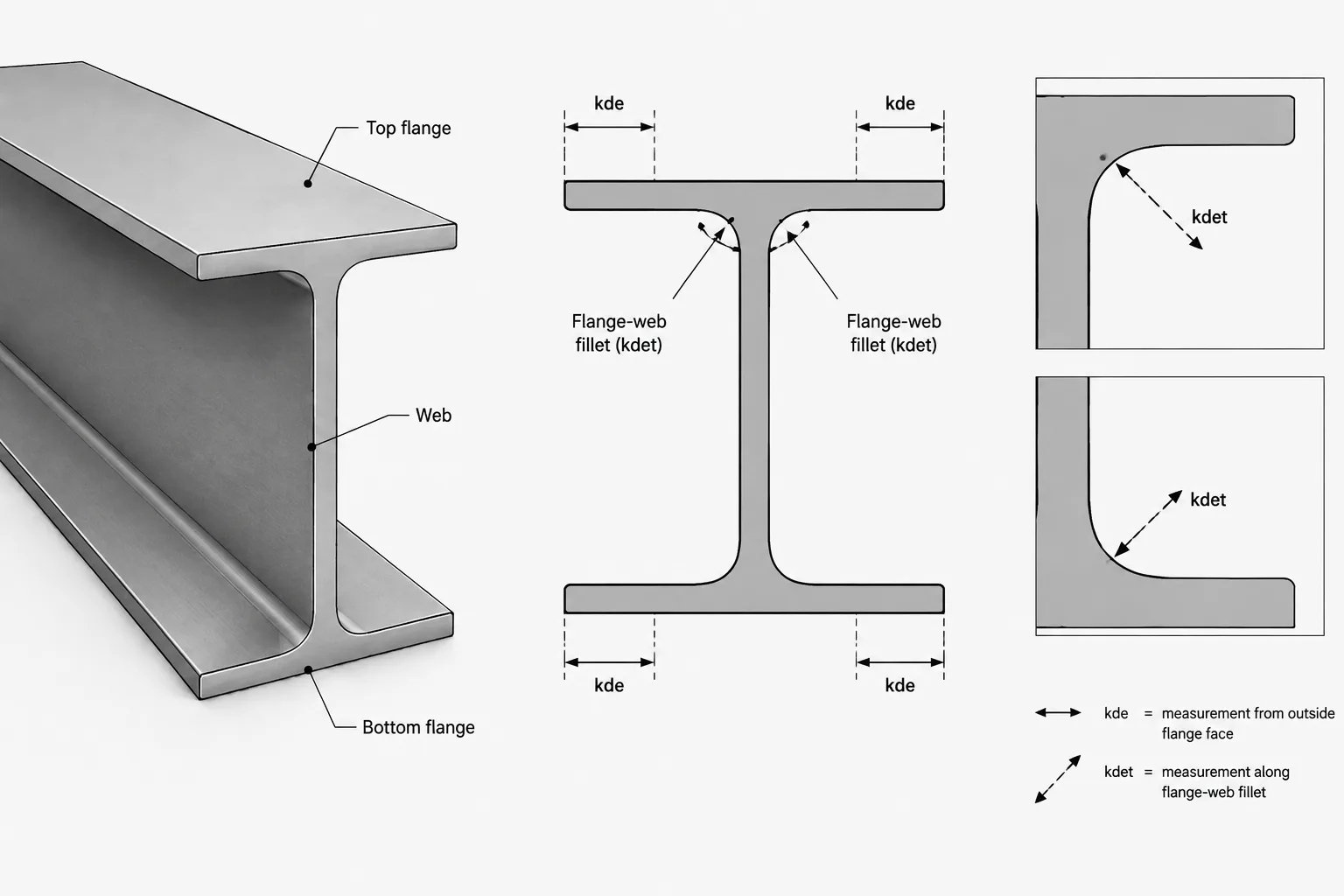
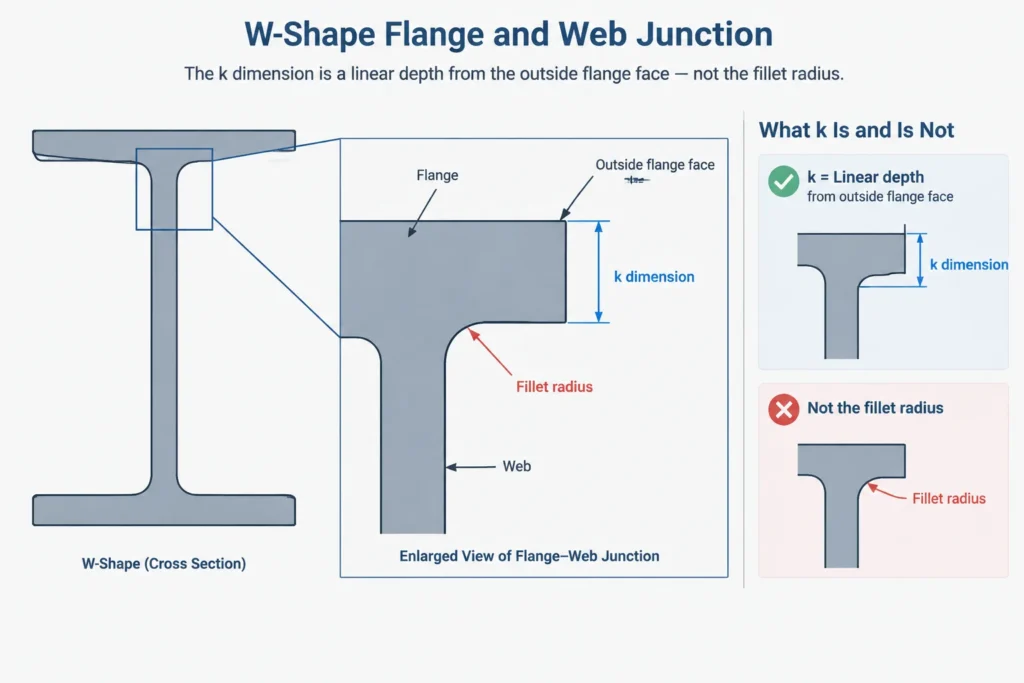
For a typical rolled W-shape, the k dimension is measured from the outside face of the flange toward the web to a location associated with the toe of the flange-web fillet. It is a linear distance rather than a radius.
This distinction matters. The k dimension does not describe the complete curve, identify the fillet center, or provide enough information to reconstruct the exact rolled profile. Instead, it establishes the depth of the flange-plus-fillet region relative to the outside flange face.
At both the top and bottom of a doubly symmetric W-shape, the k region includes:
- the flange thickness;
- the curved flange-to-web transition; and
- the boundary near which the straight portion of the web begins.
Because the measurement starts at the outside flange face, it should not be confused with flange thickness. The k value extends farther toward the section centerline than the inside face of the flange.
kdes vs. kdet
Shape references may provide more than one k-related value. The exact symbols and definitions should always be checked in the table being used, but the common distinction is between a design-oriented dimension and a detailing-oriented dimension.
| Property | General purpose | Typical use |
|---|---|---|
| kdes | Describes the nominal flange-to-web transition used with section geometry and design information | Interpreting the rolled profile and related section dimensions |
| kdet | Provides a detailing reference intended to help keep attached parts out of the fillet region | Plate fit, corner relief, weld termination, bolt clearance, and connection layout |
The detailing value is generally the more useful reference when deciding whether a rectangular plate can fit against the web near a flange. It represents a protected or reserved zone rather than a promise that every physical fillet will follow an exact theoretical curve.
Do not substitute one value for the other automatically. If a table lists both, retain the symbol with the value when transferring data into a calculation sheet, CAD library, or detailing standard. If only a generic k value is shown, confirm its definition before using it to control fabrication geometry.
The k Dimension Is Not the Fillet Radius
A common drafting error is to treat k as though it were the radius of a quarter-circle tangent to the web and flange. Rolled-shape transitions are not necessarily represented accurately by that construction. Their geometry reflects the rolling process, and published section-property calculations may be based on profile information that is more detailed than a simple circular arc.
Using k as a radius can create several problems:
- the modeled toe of fillet may be placed incorrectly;
- the resulting CAD area and section properties may not match published values;
- a fitted plate may appear to clear the fillet when it does not;
- CNC or fabrication geometry may be created from an unsupported approximation.
For general arrangement drawings, a simplified fillet may be visually acceptable. For fit-sensitive details, however, the connection should be controlled by verified clearance geometry rather than by an assumed radius.
How k Dimensions Affect Connection Detailing
Stiffeners and fitted plates
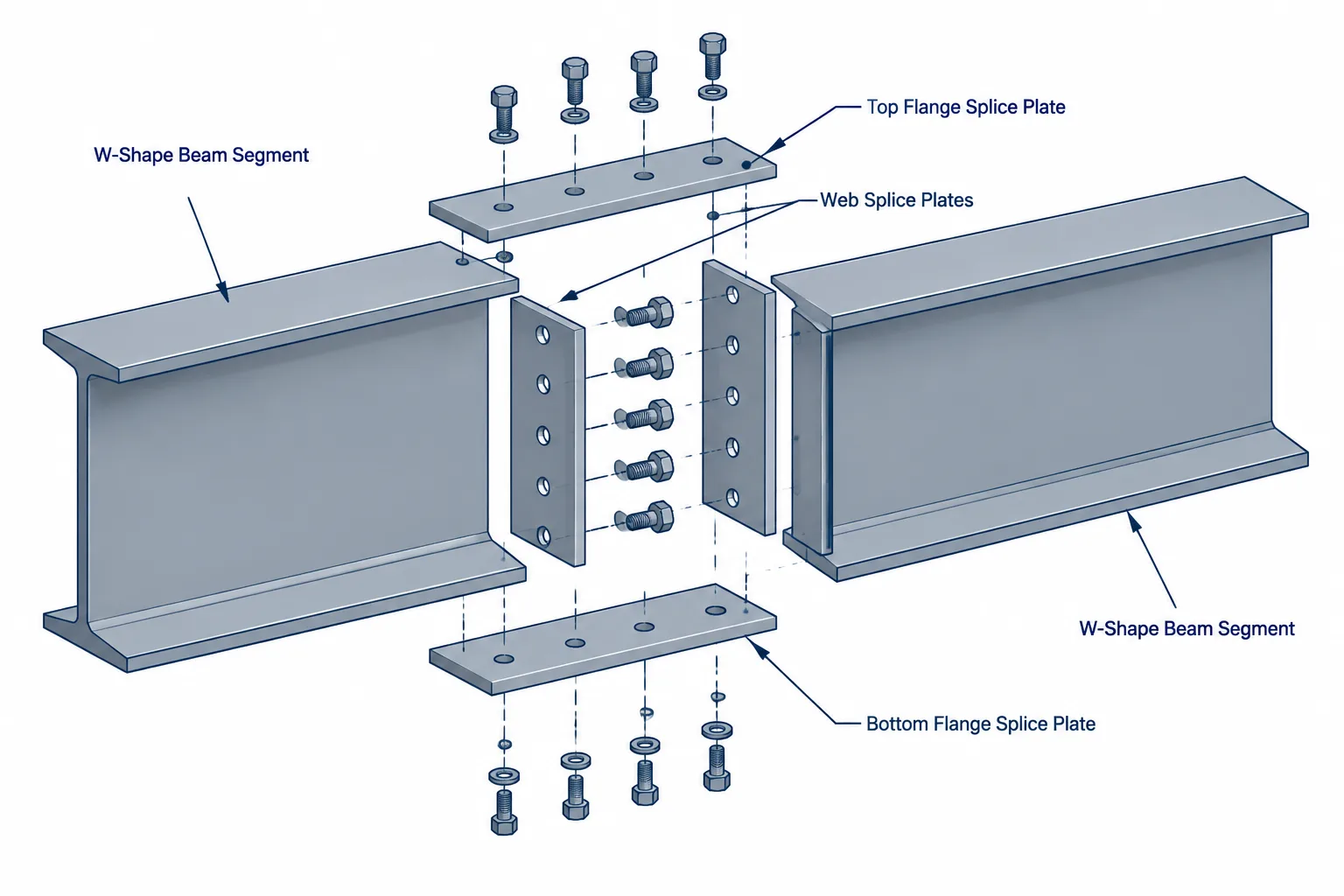
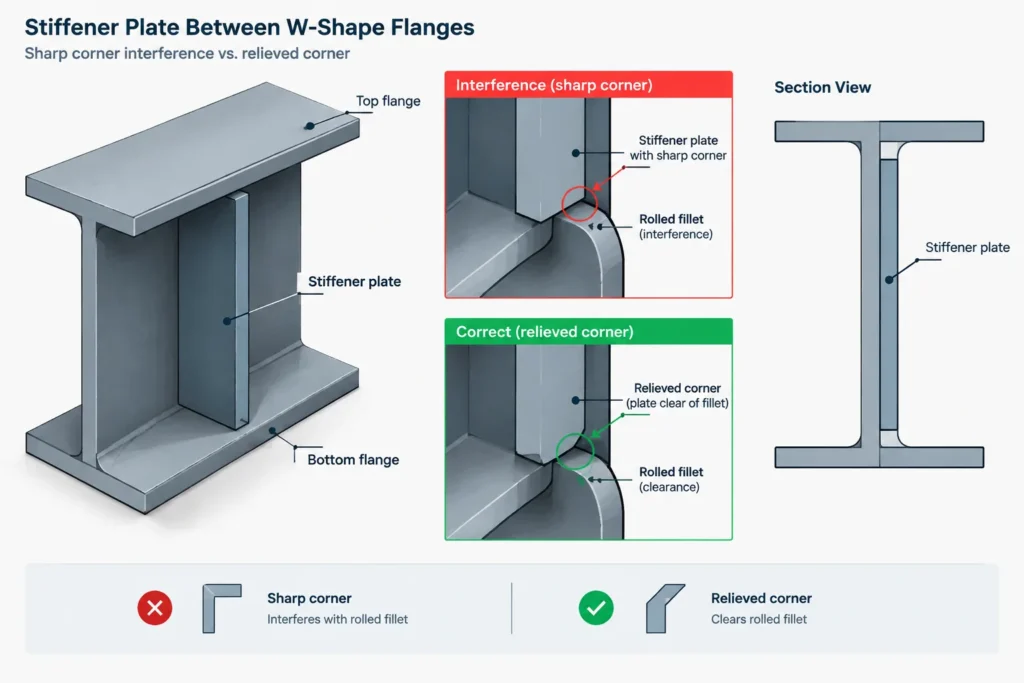
A stiffener extending between W-shape flanges cannot normally be detailed as a sharp-cornered rectangle that contacts the web and both inside flange faces. Its corners encounter the flange-web fillets first. The plate may require corner clips, shaped reliefs, or another approved fit condition.
The kdet zone helps the detailer identify where those corner treatments are needed. It does not, by itself, establish the required clip shape or fabrication tolerance. Those details must be coordinated with the intended bearing, weld, and fit requirements.
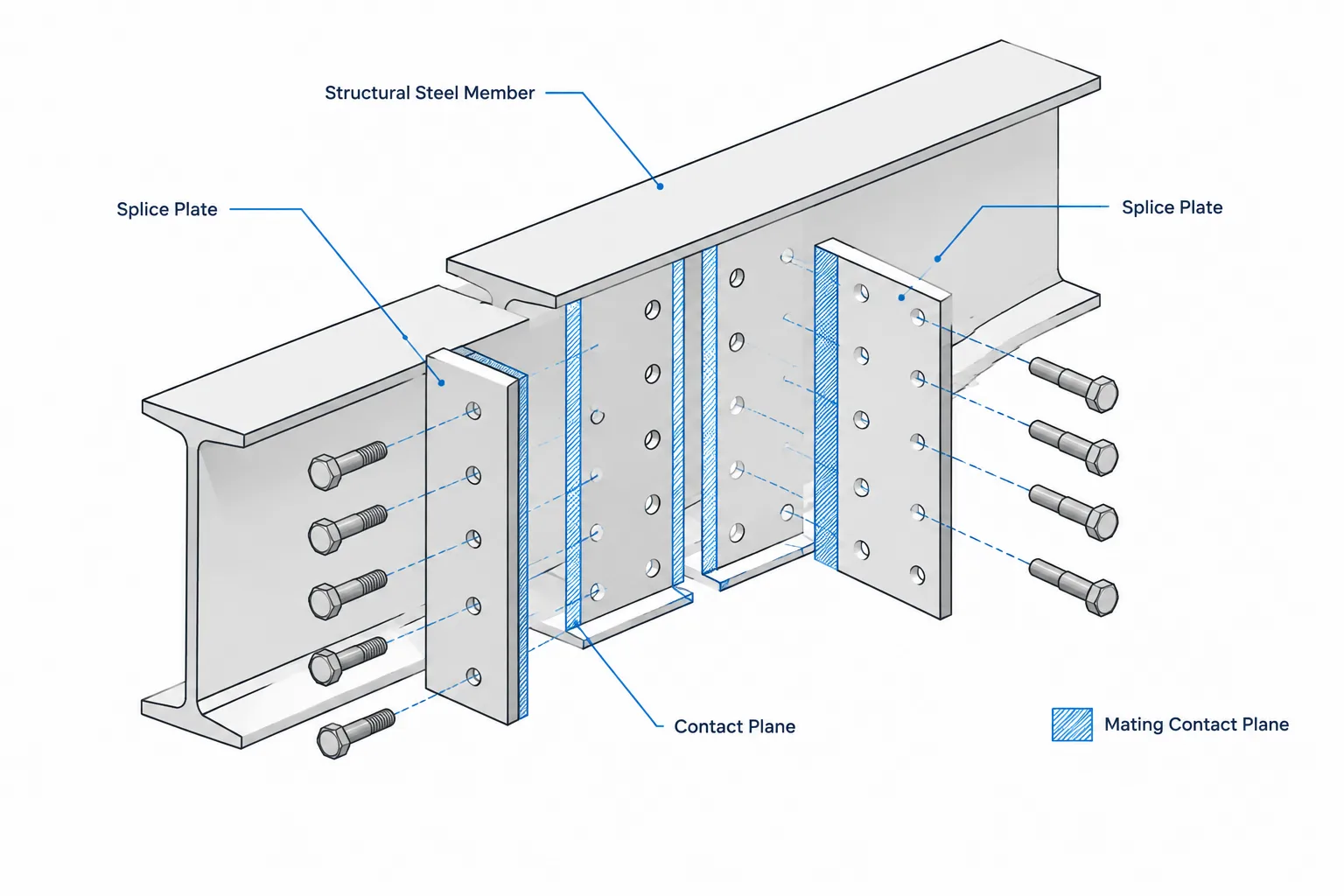
Shear plates and clip angles
Connection elements attached to a beam or column web need enough room between the flange fillet zones. Their usable vertical space is not simply the overall section depth minus two flange thicknesses. The fillets reduce the unobstructed straight-web region.
This becomes important when checking:
- the overall height of a shear plate;
- the position of the first and last bolt rows;
- washer and nut clearance near a flange;
- access for welding and inspection; and
- clearance for connecting-member flanges or copes.
Weld placement
A weld drawn along the edge of a plate may approach the rolled fillet even when the plate outline itself appears acceptable. The detailer must consider the weld size, electrode or torch access, weld termination, and the actual surface against which the weld is placed.
The kdet line can serve as an early coordination boundary, but it should not be interpreted as a universal weld-clearance rule. Connection design requirements and the selected fabrication procedure still govern the final detail.
Bolts near flanges
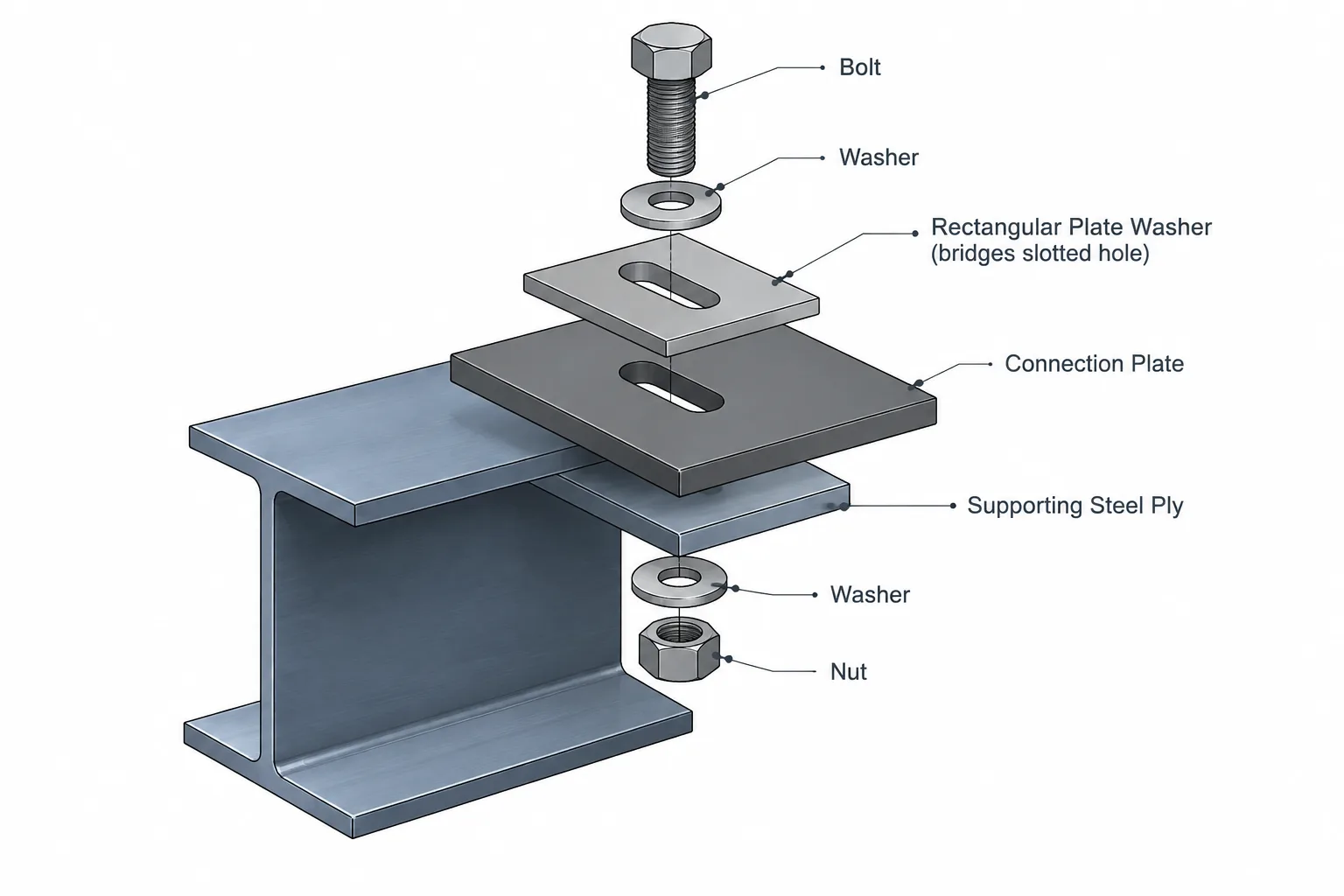
Bolt-hole centers may lie on the straight web while the bolt head, nut, washer, or installation tool extends into the nearby fillet or flange region. A centerline-only check is therefore incomplete. The full installed envelope should be reviewed in section or in a suitable three-dimensional model.
Estimating the Straight-Web Region
For a conventional doubly symmetric W-shape, subtracting the top and bottom k regions from the overall depth provides a useful conceptual estimate of the web depth between fillet-toe zones. If a detailing k value is used, the result should be understood as a conservative working region rather than an exact measurement of the physical flat web.
This estimated region can help with preliminary plate and bolt layouts, but it should not replace a connection-specific check. Real detailing also depends on tolerances, plate edge preparation, weld access, member slope, skew, coatings, and the geometry of adjacent parts.
Using k Dimensions in CAD
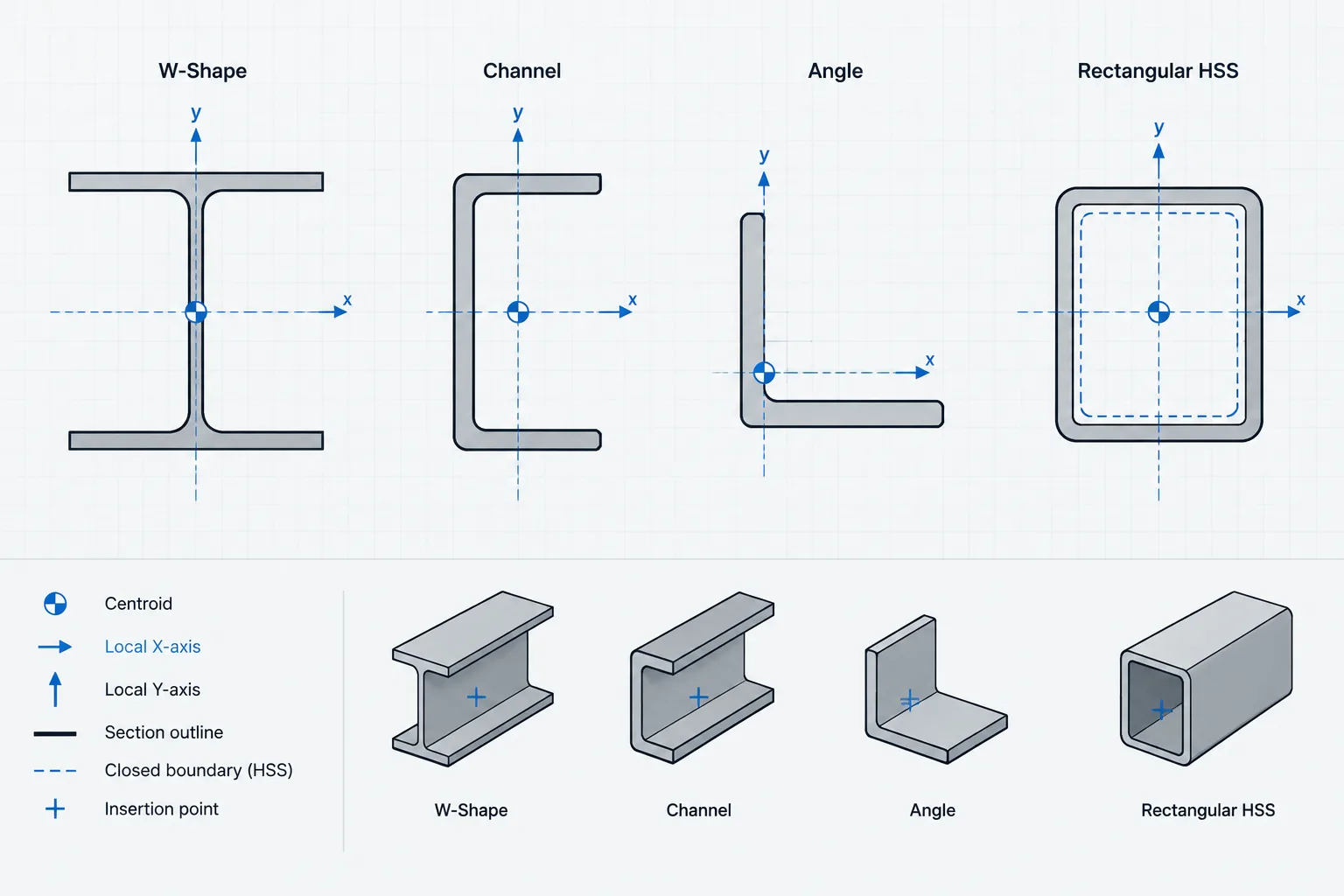
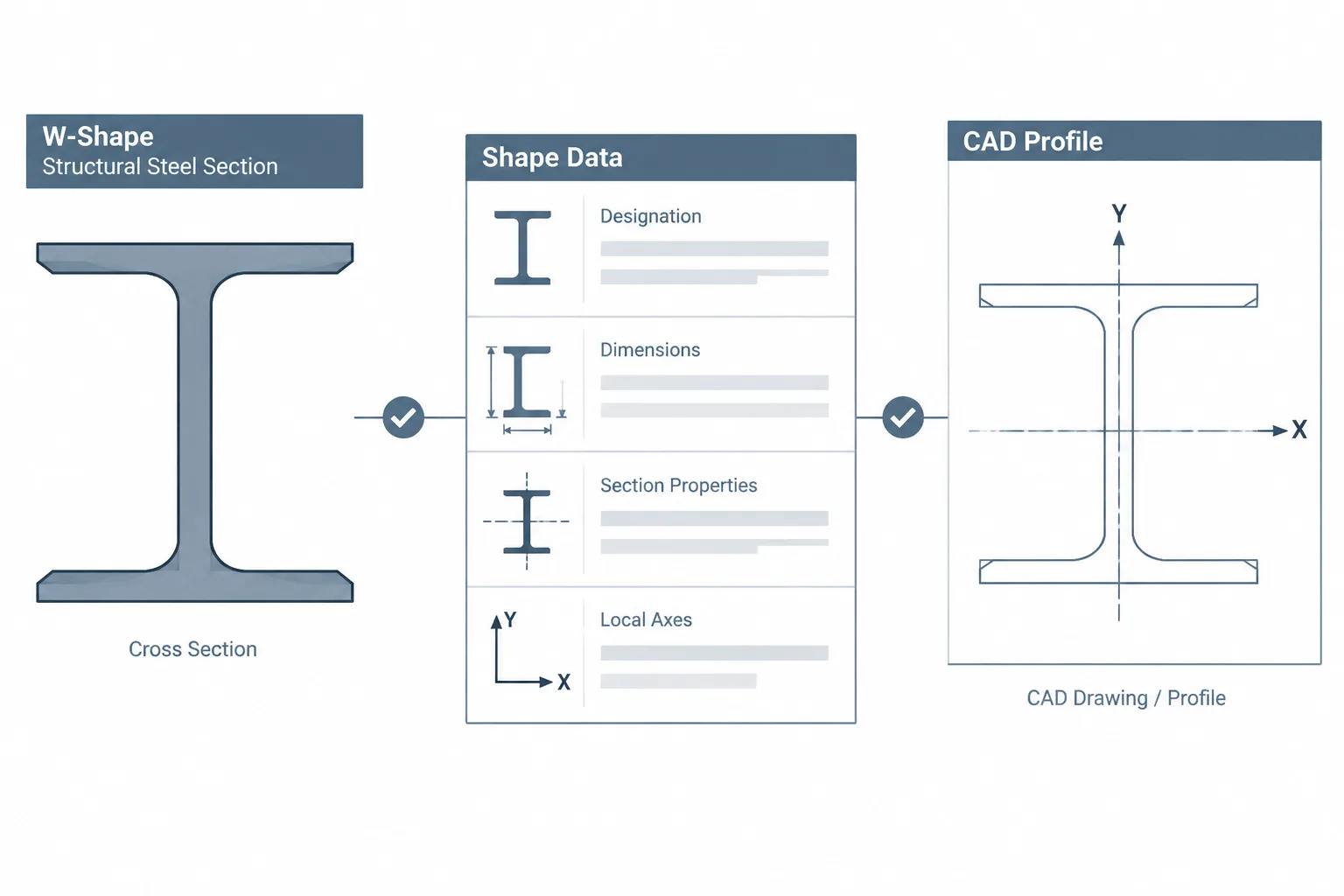
Many structural models represent a W-shape as three rectangles: two flanges and one web. That representation is efficient for plans, elevations, clash detection, and many coordination tasks, but it creates sharp inside corners that do not exist on the rolled member.
A practical CAD workflow is to separate visual representation from clearance control:
- Use simplified shape geometry where model performance and drawing clarity are the main concerns.
- Add nonplotting kdet clearance lines or reserved zones when detailing nearby components.
- Use a verified profile when exact fit or section geometry is necessary.
- Keep the shape-table source and property definitions with the CAD library metadata.
- Do not scale a profile from a nominal depth or from an unverified drawing.
For a two-dimensional section block, the k zones can be shown as construction lines measured inward from each outside flange face. Plates, bolt envelopes, and weld extents can then be checked against those boundaries without pretending that the construction lines reproduce the actual fillet curve.
Common k-Dimension Mistakes
- Measuring from the inside flange face: k is commonly referenced from the outside flange face, so changing the datum misplaces the fillet zone.
- Using flange thickness as available clearance: the curved transition extends beyond the nominal inside flange face.
- Treating k as a radius: a linear depth measurement does not define the complete fillet geometry.
- Ignoring the distinction between kdes and kdet: the two values serve different practical purposes.
- Checking only plate outlines: welds, washers, bolt heads, nuts, and installation tools also require space.
- Assuming every table uses identical notation: headings, definitions, and rounding practices can differ among references.
- Using a simplified CAD corner for fabrication: a symbolic model may not provide reliable fit geometry.
A Practical Review Checklist
Before releasing a detail located near a W-shape flange-web junction, verify the following:
- The member designation and shape-table source are confirmed.
- The applicable k value and its definition are identified.
- The datum is the outside flange face unless the source states otherwise.
- Fitted plates include suitable corner treatment or clearance.
- Bolts and washers are checked as physical envelopes, not just hole centers.
- Welds have sufficient placement and access space.
- The CAD profile’s level of simplification is understood.
- Any fit-sensitive geometry is coordinated with the connection design and fabricator requirements.
Key Takeaway
W-shape k dimensions describe the depth of the flange-web transition zone; they do not directly specify a fillet radius. The design and detailing values should remain clearly identified, with kdet commonly serving as the practical reference for keeping plates, bolts, and welds away from the rolled fillet. Used correctly, these dimensions bridge the gap between simplified shape models and the physical geometry that controls connection fit.